Quick start

Quick start guides

Short guides, one for each part of DFOS: a panel for each step, with the screen and the buttons to press. The full details are in the manual.

Start here
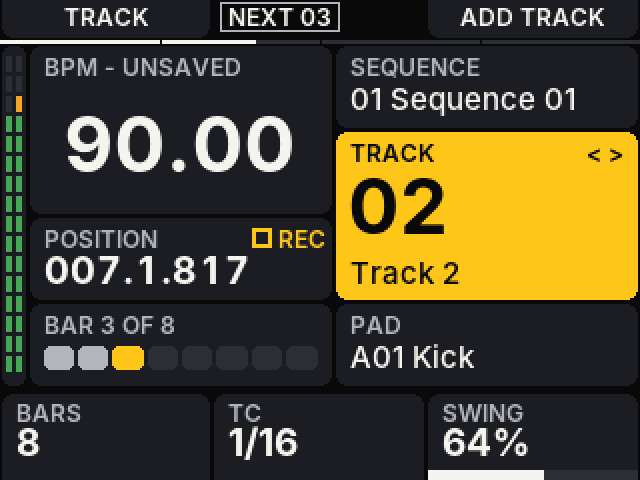
Your first beatLoad a sound, record a beat, shape it, mix, build a song and save.36 steps

Sequencing

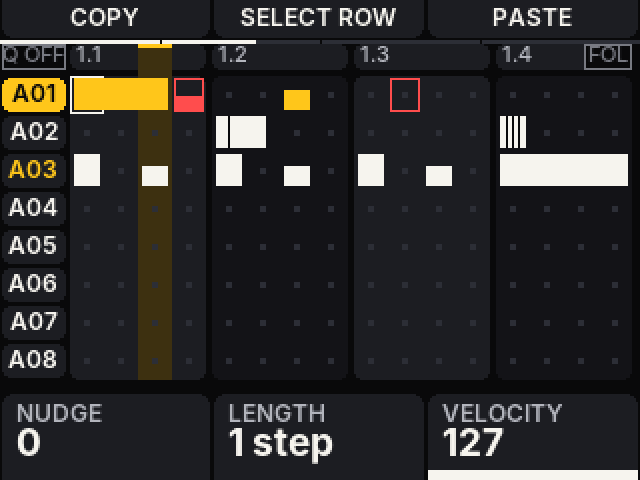
Steps and eventsEdit a track's notes on the Grid: tap steps on the pads, or move a cursor and write events.13 steps
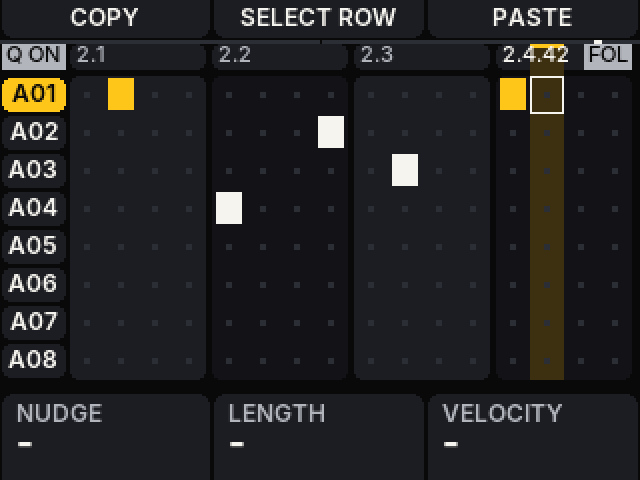
Select with a boxDraw a box over notes in the Grid, mark every note inside it, then change, move, copy or erase them together.13 steps
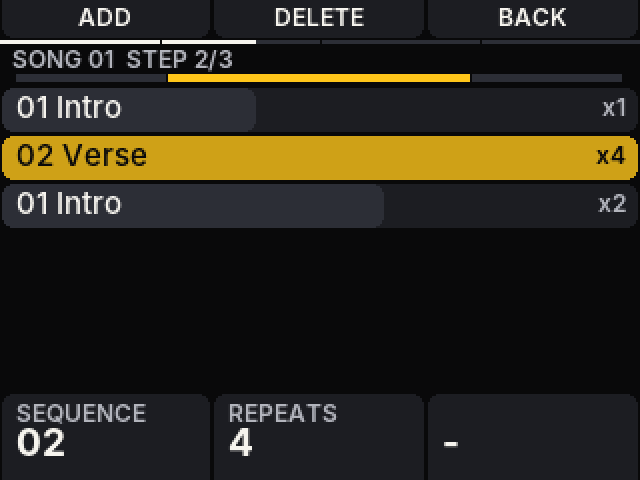
Song and ArrangeChain sequences into a song, then see and edit it as a timeline.12 steps
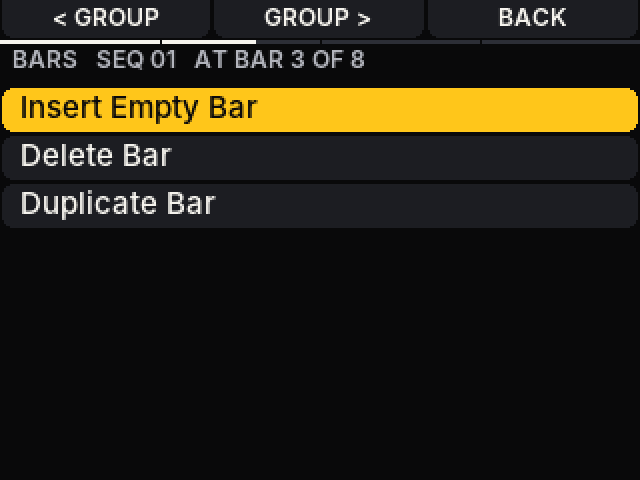
Sequence EditThe list of jobs for bars, copies, erasing, timing, fades and more, on the sequence you are in.12 steps
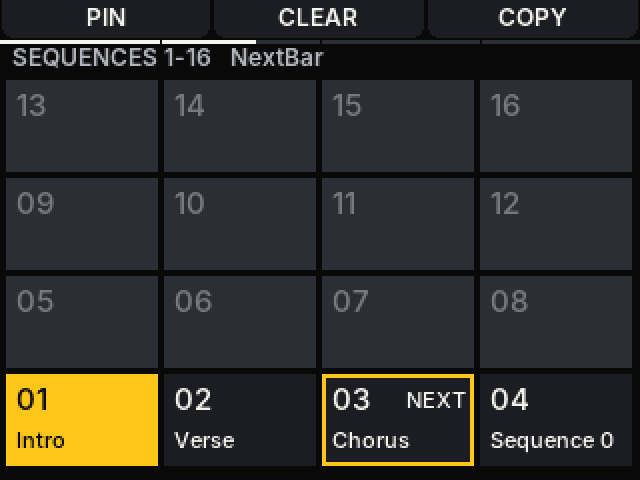
Hold SEQHold SEQ and the pads become the sequences: queue, copy, clear and add them to a song.9 steps

Sounds and samples

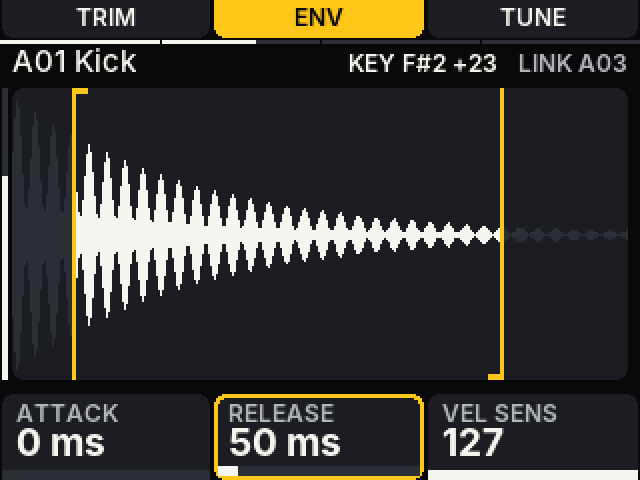
Sample buttonSample Mode page by page: what B1, B2 and B3 step through, and what the three knobs set on each page.27 steps
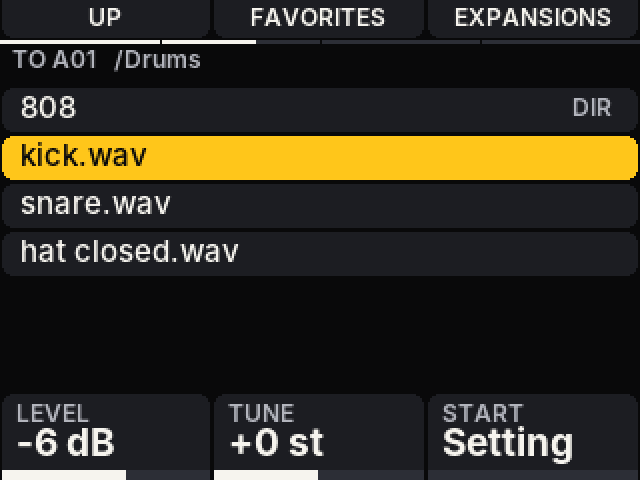
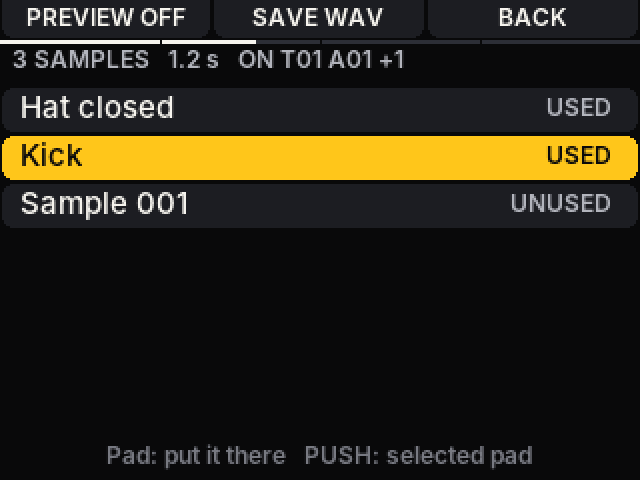
Sample selectBrowse the card, hear a file and load it onto a pad; favourites, tags, the Trash, packs and the Sample Pool.16 steps
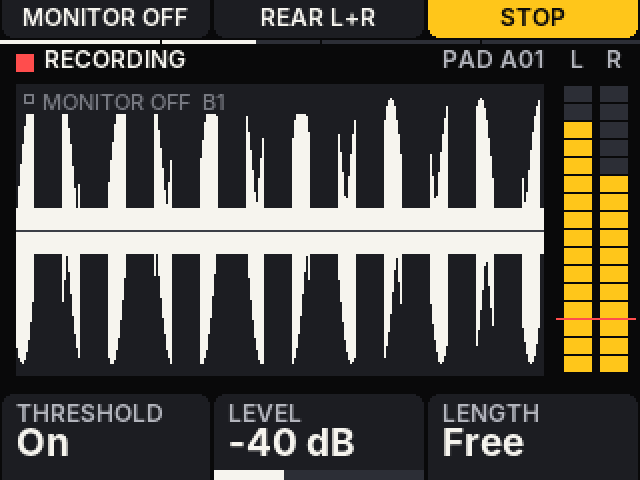
Sample recordRecord a sample from an input or from DFOS's own mix, tap it onto a pad and keep it.16 steps
Layer playMake one pad play one of several sounds in turn: four snares on one pad, in turn or at random.17 steps
RecallCatch the sound that just came in, the notes you just played and a stored effects state.7 steps
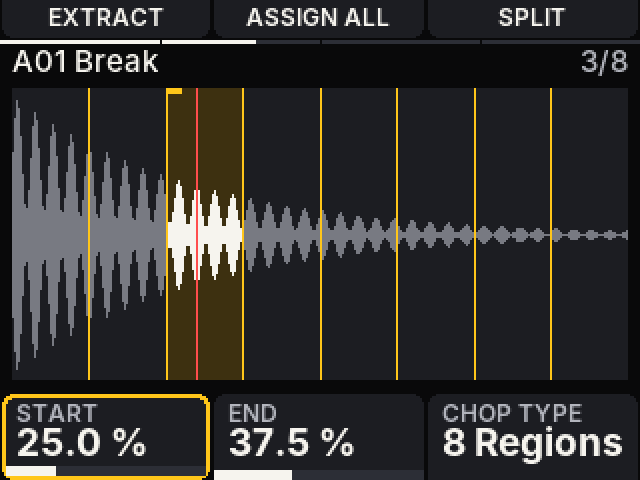
ChopCut a sample into slices by hand, by threshold or in equal regions, and put them on pads or a track.16 steps
Stem separationSplit a finished piece of music into drums, bass, other and vocals, each on a pad of its own.11 steps

Performing

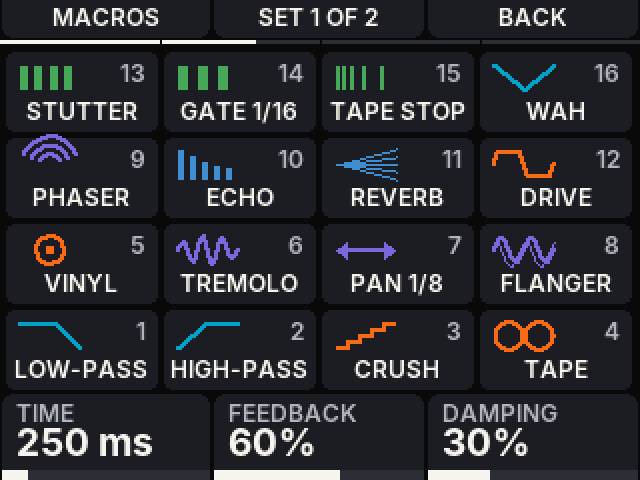
Pad FXSixteen ready-made effects on the whole mix, in two sets, and Flex Beat's sixteen time effects: hold a pad to hear one.10 steps
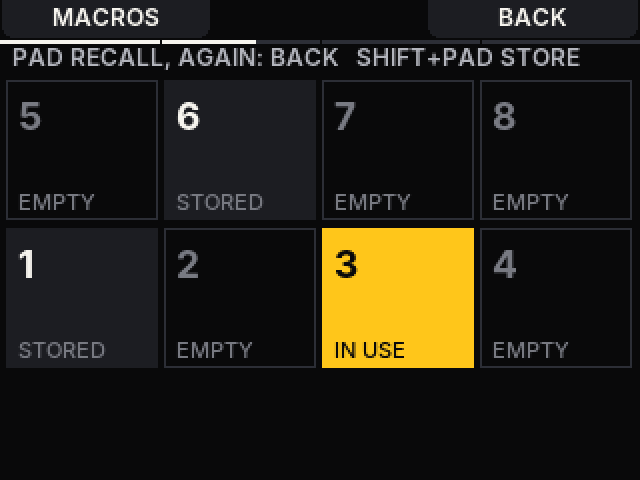
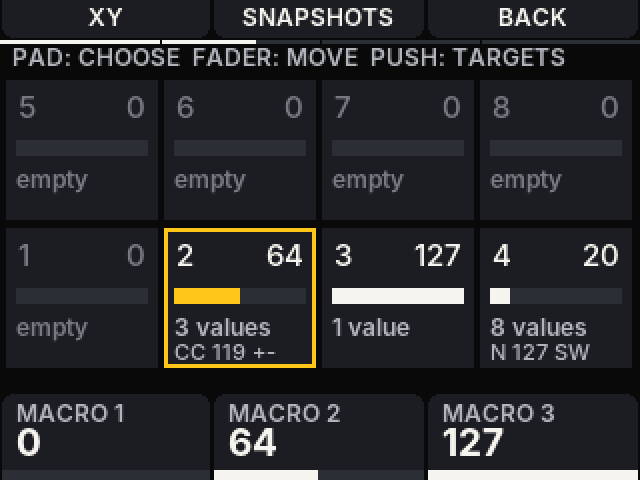
MacrosOne control that moves up to eight values at once, with an XY pad, eight snapshots and MIDI Learn.13 steps
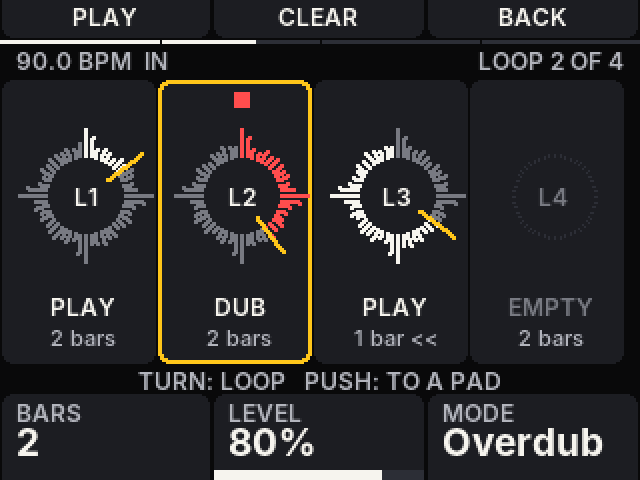
LooperFour loops of what comes in, played side by side: record, overdub, flip and put on a pad.13 steps
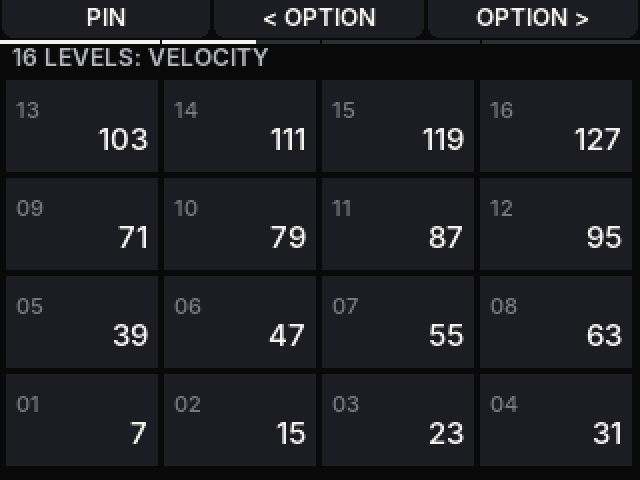
16 LevelsSpread the selected pad over all sixteen pads: velocities, notes of a scale, chances, ratchets and more.12 steps
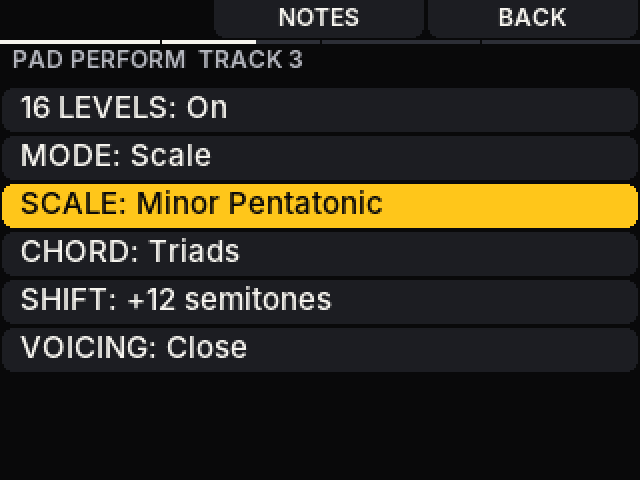
Scales, chords and progressionsPlay in a scale, build chord sets, chain them into progressions and let the arpeggiator play them.14 steps

Tracks and mixing

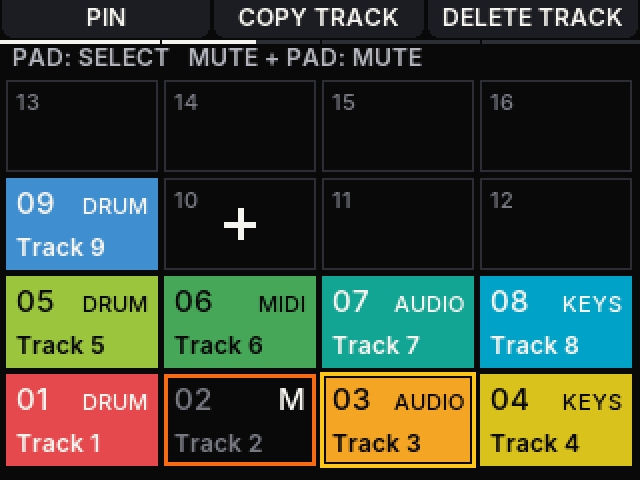
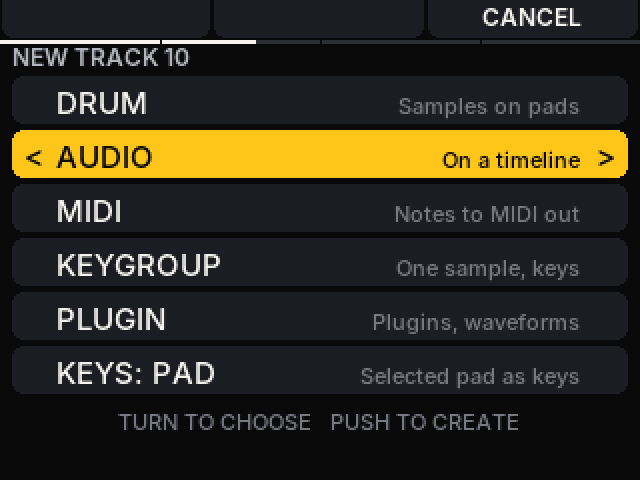
TracksChoose a track, make a new one, set up its page, and mute, template, zone and bounce.15 steps
Explode a trackSplit the pads of one track onto tracks of their own, then export every track as its own file.18 steps
Plugin instrumentsPlay DFOS's own instruments and plugin files from the card on a plugin track, then bounce or save them.15 steps
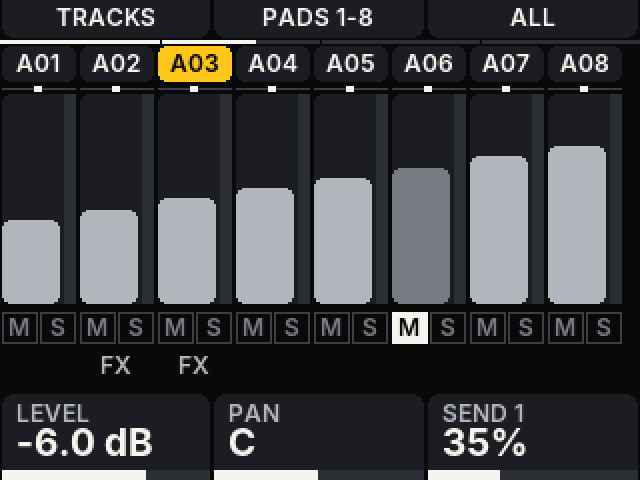
Mixer and master chainBalance tracks, submixes and returns in the Mixer, then shape the whole mix on the Master FX Chain.14 steps
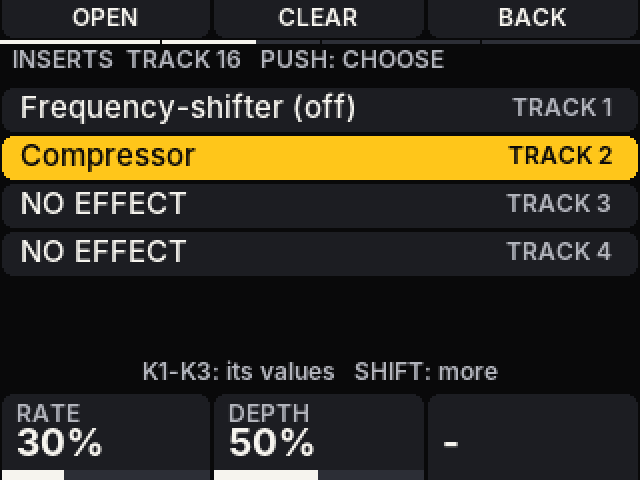
Insert effectsPut effects on tracks, pads, submixes, returns and Main: where the slots are, how to choose and shape an effect, and plugin effects.15 steps

The Menu and settings

Menu and settingsOpen the Menu, find your way around Settings and set the rows that matter most.17 steps
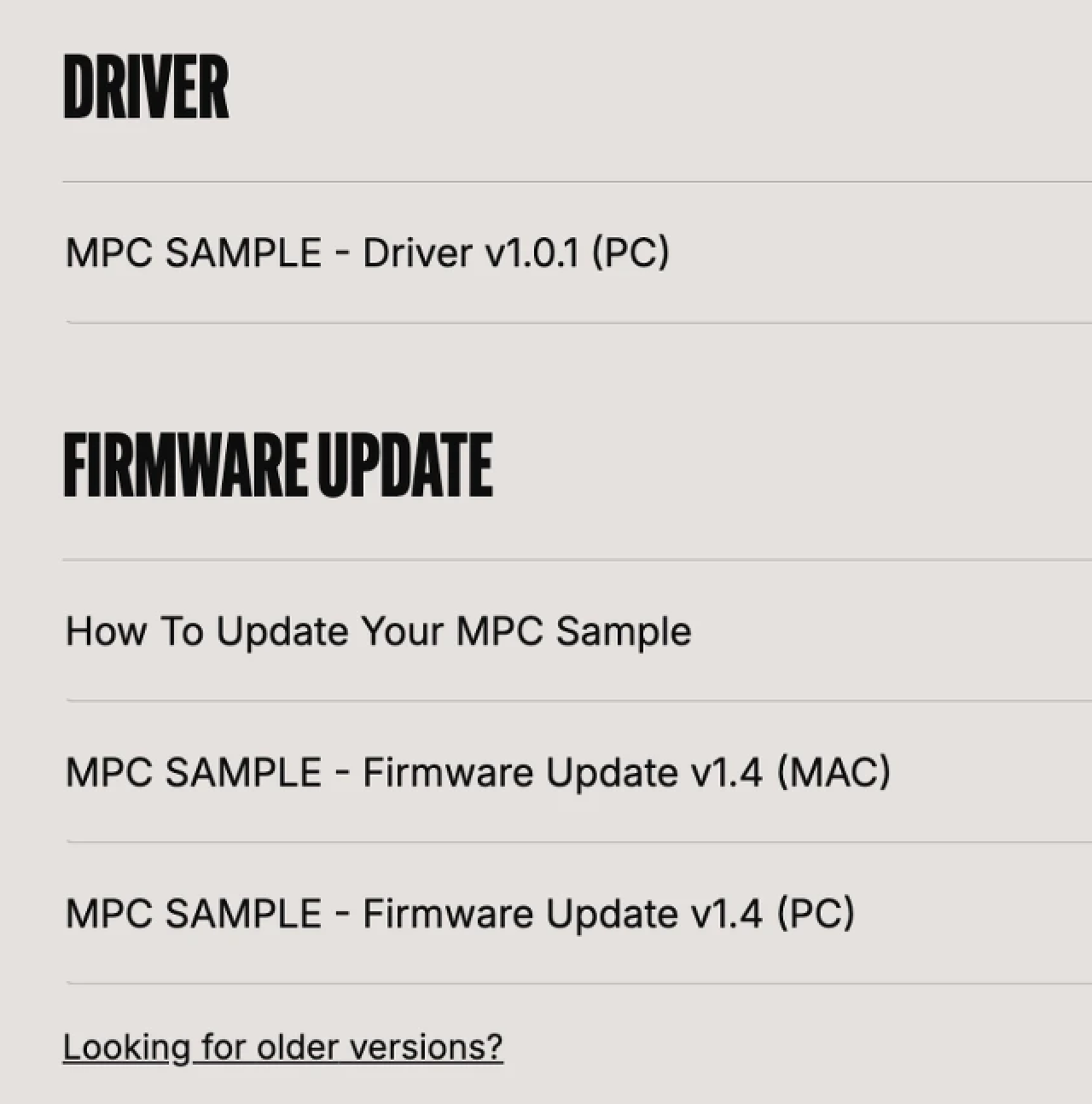
Back to firmware 1.3Put the MPC Sample back on firmware 1.3 with Akai's updater app on a Mac or a Windows computer.7 steps