Quick start
Play plugin instruments, in panels
A plugin track plays an instrument that is a plugin file on the card. New Track lists six made waveforms first, then the files. The full details are in the manual. All quick start guides
Add an instrument
Make a plugin track!
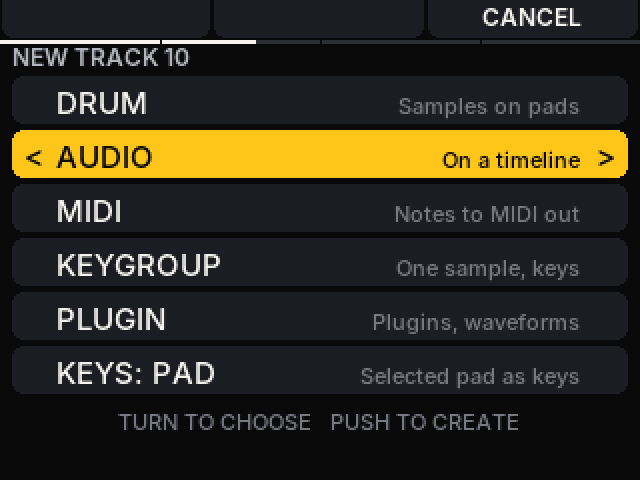
Hold SAMPLE and press a free tile, or press B3 on the Main screen, to open New TrackChoose Plugin with the encoder and press PUSH: the list shows six waveform instruments first, then the plugin files on the card
Six waveform instruments!
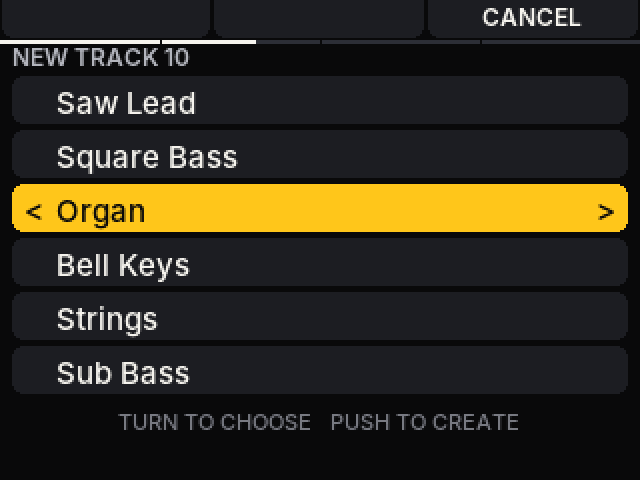
The waveform instruments are Saw Lead, Square Bass, Organ, Bell Keys, Strings and Sub BassEach is a made waveform on pad A01 of a Keys track, with a starting sound that you shape from there on the Sample pagesThey need no plugin file
DFOS's own instruments!
STRINGSKEYSPOLYORGANFMDRUMSSPARKKITBASSWAVEMALLETSVOX
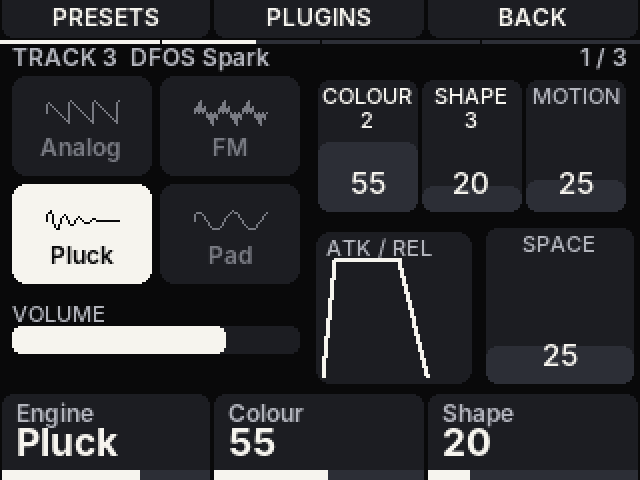
DFOS's own plugin instruments come as plugin files: Strings is a string ensemble, Keys an electric piano, Poly a polyphonic synthesiser, Organ a drawbar organ, FM a two-operator FM synthesiser, Drums eight synthesised drums over the keys, Spark four engines behind the same macro knobs, Kit sixteen synthesised drums on the pads, Bass a bass voice with a sub and a filter, Wave a wavetable synthesiser and Mallets struck bars, tines, plates and strings, and Vox a voice made in codeChoosing a file starts it on the track
DFOS Kit!
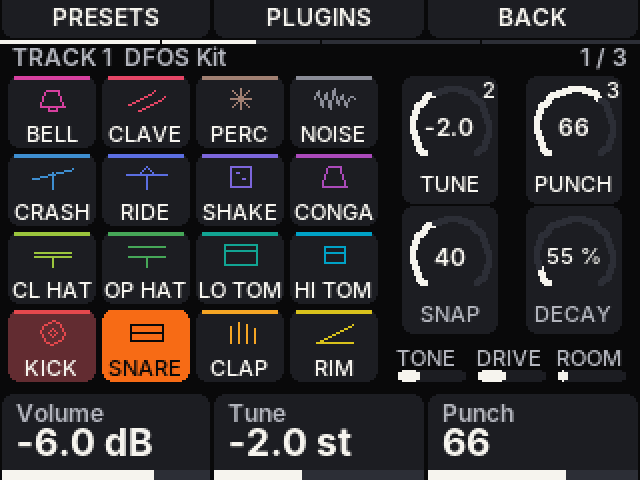
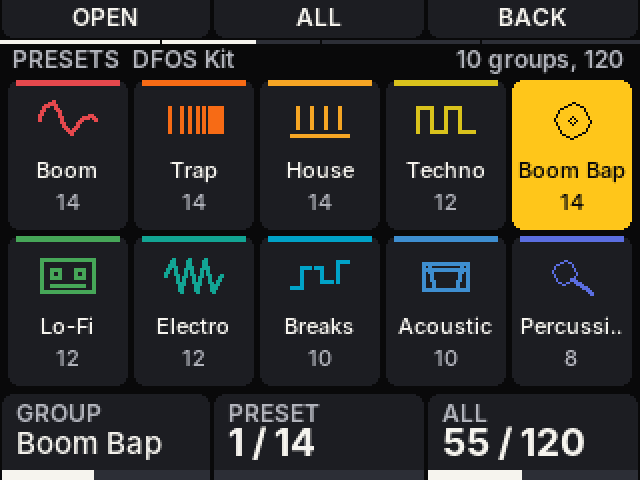
DFOS Kit's page is a pad wall: each of its sixteen drums is drawn in its pad's colour and lights as it is played, with Tune, Punch, Snap and Decay as dialsIt has 120 kits in ten styles as presetsTested on a computer only
Plugin files from the card!
Other plugin files go in the card's plugins folder: CLAP files (.clap) and VST2 files built for this processor are listed after the waveform instrumentsWith none there, New Track says soA file marked (FAILED) after DFOS has checked it is not loaded
Play and shape
The plugin's page!
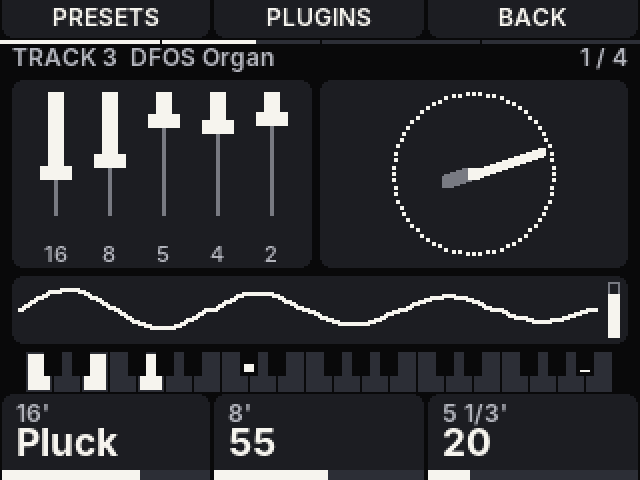
On a plugin track, SAMPLE opens the plugin's pageK1 to K3 set three of its parameters, named in the plugin's own words, and the encoder steps to the next threeThe pads play it as pitches, and SHIFT and the encoder move them an octave
Presets!
B1 opens the plugin's presetsDFOS's own instruments have over 100 each, in categories, and open on picture tiles, one for each category: OPEN shows its presets and ALL the whole listThe list shows each category with a + and a count, PUSH or + opens one and closes the other, − closes it, the encoder goes through the rows and a preset is heard as you pass it, and PUSH on a preset goes backOther makers' plugins keep a plain list: the encoder or − and + choose one, and PUSH or B3 goes backSHIFT and B1 or B2 step to the next or previous preset without the listA CLAP plugin has presets only where it offers them
Another plugin!
B2 lists the plugins, to put another on this track. Choosing a waveform instrument there is refused, because those are for new tracks.
Picture or values!
A running plugin's page opens on a picture that moves with it: its sound as a line with its level and, for an instrument, three octaves of keys that fill while a note is heldSHIFT and B3 go between the picture and the values, and the choice lasts until DFOS is restartedWith Settings > Visualizers off there is no picture
Plugins with no panel!
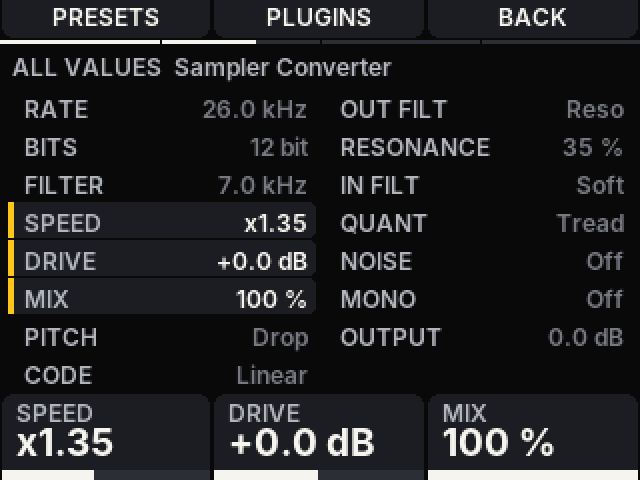
A plugin with no panel of its own shows its values as three tall tiles over K1 to K3PUSH opens All Values, every value of its rows in two columns, and PUSH again goes back to the tiles
If a plugin stops!
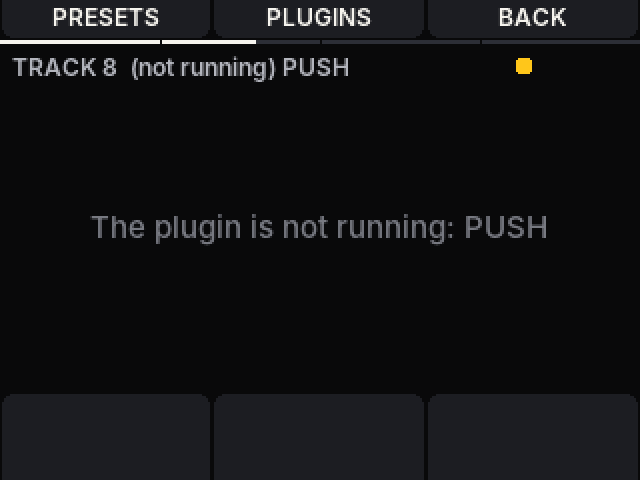
A plugin runs in a program of its own beside DFOSIf it stops, its page says so, the track is silent, and PUSH starts it againDFOS carries on
Limits and keeping
Eight at once!
At most eight plugins run at once, instruments and effects togetherA ninth is named but not started, and DFOS says soA plugin that keeps missing its audio for a second is bypassed: an instrument goes silent, the screen says it is too slow, and PUSH tries it again
Delay compensation!
Each plugin adds about 9 msWith Plugin Delay Comp on (Settings > Effect List, on as DFOS starts), every other track waits as long, so all tracks play together, and pads played by hand sound 9 ms later tooWith it off, only the track with the plugin is behindA plugin instrument's notes sound about 9 ms after they are played, in an export too
Bounce to Audio!
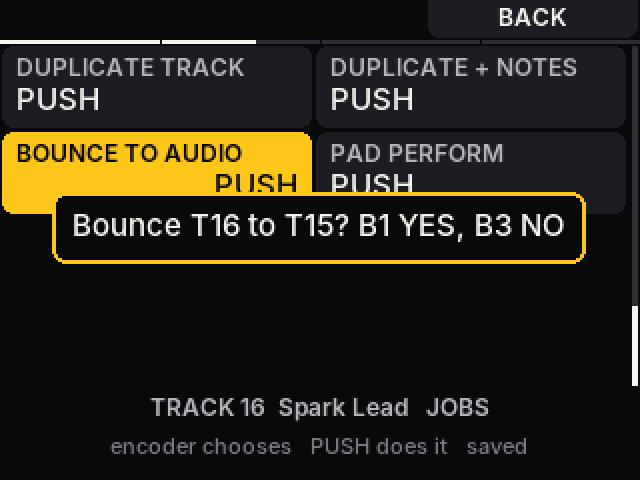
On the Track page, in Jobs, PUSH on Bounce to Audio asks first: B1 says yes, B3 withdraws itIt plays the track alone for the sequence once plus a tail of up to two seconds, and puts the result on the first free track as an audio track with the plugin track's level and panThe plugin track is muted, not deleted; the audio plays on any MPC, also one without the plugin
Save the project!
Quick Save keeps the plugin tracks with the projectThey are written as their notes, the plugin's own settings stay in DFOS's part of the project file, and the state files of plugins that keep their own go in the project's data folder
More guides