Open the Grid!
SEQ+SEQ
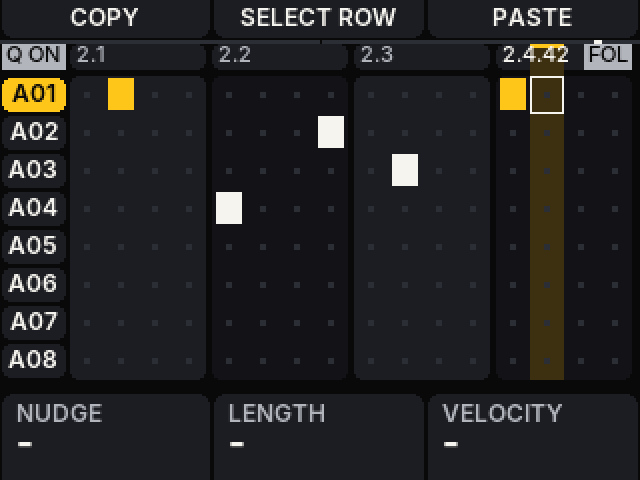
Press SEQ twice, or PUSH on the Main screen with the sequence row in focus. The marquee works in EVENT and in STEPS.
Quick start
The marquee marks many notes at once, on any lane and bar, so one edit changes all of them. It is tested on a computer only. The full details are in the manual. All quick start guides
Press SEQ twice, or PUSH on the Main screen with the sequence row in focus. The marquee works in EVENT and in STEPS.
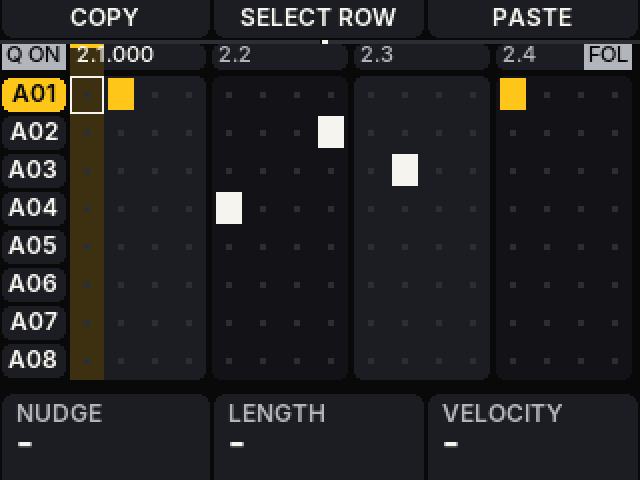
In EVENT the encoder moves the locator along the track. Put it where the box should start, on the lane of the first note.
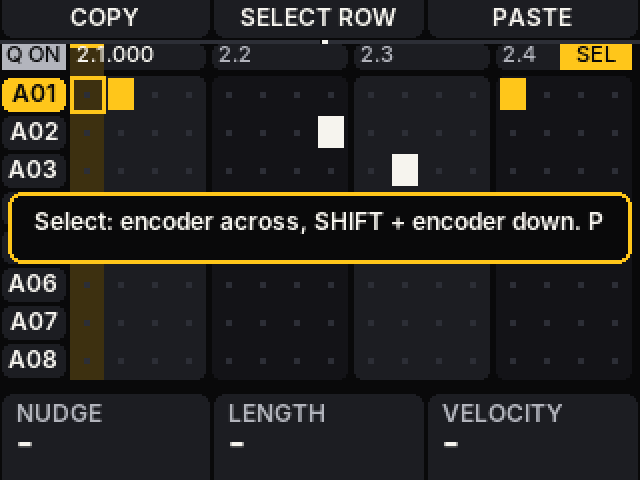
Press PUSH (or STOP and PUSH)A box opens at the cursor and its laneSEL shows in the ruler and the screen tells you what to do
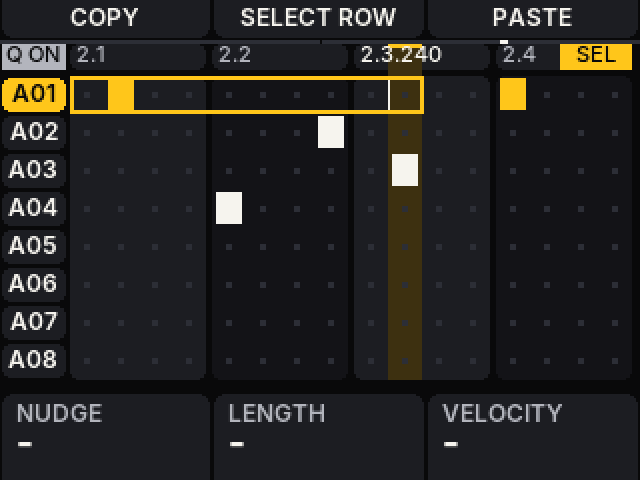
Turn the encoder to carry the far corner along the steps. The page follows the locator.
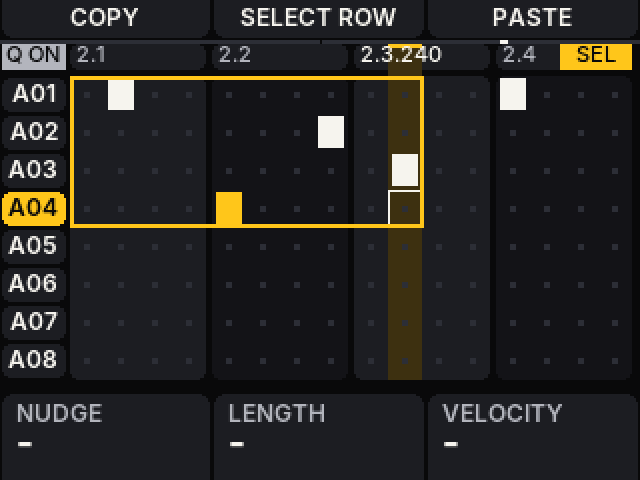
SHIFT and the encoder, or − and +, stretch the box down and up the lanes.
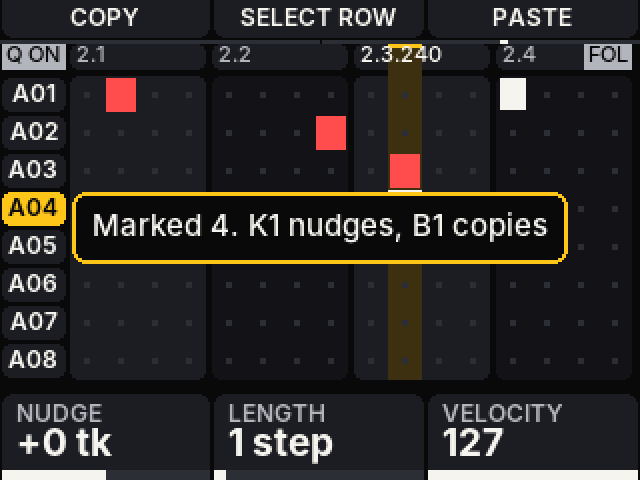
Press PUSH againEvery note that starts inside the box is marked, on any lane and bar, and framed, and the mode endsThe screen counts themA new marking replaces the old selection
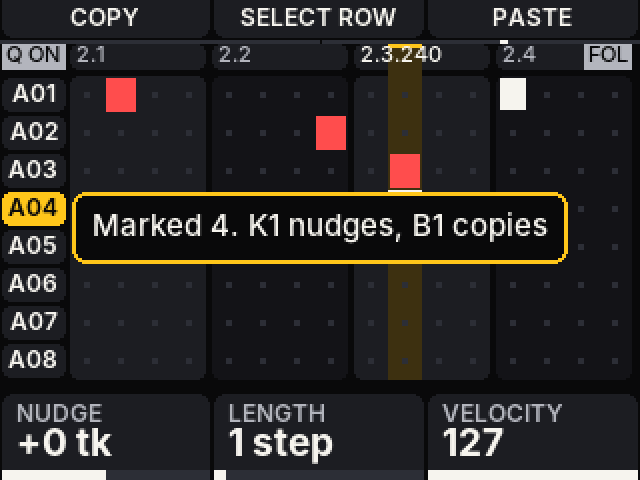
The knob cells at the bottom now change every marked note at once, for example velocity and lengthK1 nudges them an eighth of a step a turn, and SHIFT and K1 a tick at a time
K1 moves all marked notes together, an eighth of a step a turn; the fader places them anywhere in the sequence, and ERASE removes themThey stop at the ends of the sequence and say soEach turn is one undo
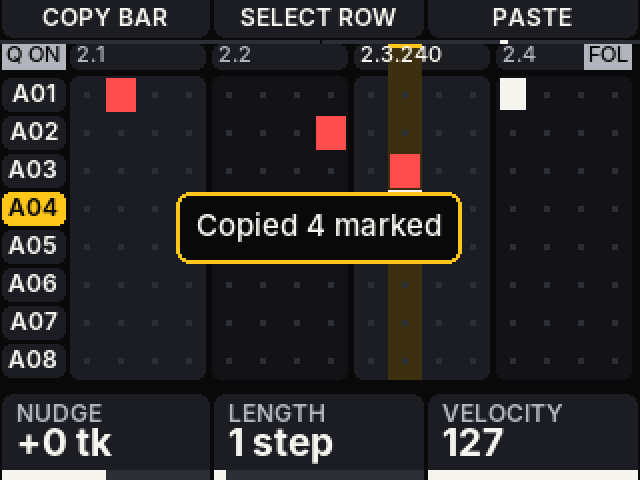
B1 copies the marked notes. Move the cursor and press B3 to paste them from the cursor lane down, with their spacing kept.
SHIFT and B3 duplicate the marked notes on their own lanes.
Press ERASE to erase every marked note. Undo brings them back.
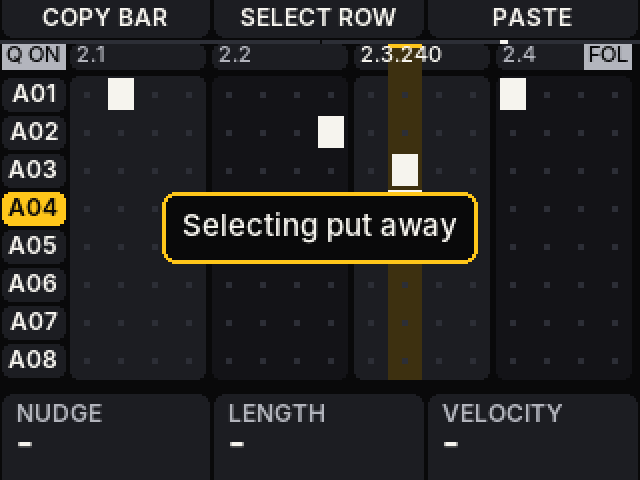
Press STOP and PUSH while the box is open to put it away without marking. A new box, or a step chosen with SAMPLE and a pad, drops the marks.
Up to 256 notes can be marked at a time. If the box holds no notes, the screen says nothing was marked.