Open the page!
SAMPLE RECORD
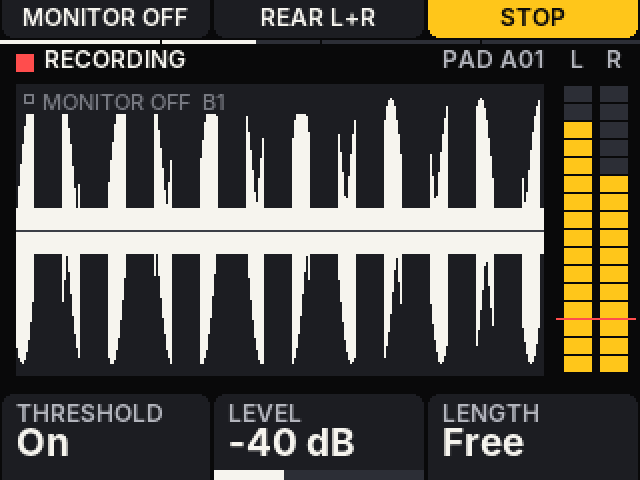
SAMPLE RECORD opens Sample Record: the waveform so far, and the L and R input meters beside it. SAMPLE RECORD again goes back to the page you came from.
Quick start
SAMPLE RECORD opens the recording page. Choose an input, arm, and tap the pad the sample should go to; then keep it or throw it away. The full details are in the manual. All quick start guides
SAMPLE RECORD opens Sample Record: the waveform so far, and the L and R input meters beside it. SAMPLE RECORD again goes back to the page you came from.
ButtonsB1: Monitor: ON, OFF or AUTOB2: steps through the inputs and shows the one chosenB3: Arm; while it records it reads StopWith SHIFT heldB1: Auto SamplerB2: Auto, recording starts when the input passes the threshold, as K1 doesB3: Input FXKnobsK1: the threshold on or offK2: the threshold levelK3: the length: Free, or 1, 2, 4, 8 or 16 barsAfter a takeKeep Sample opens: B1 plays it, B2 discards it and B3 keeps itPUSH opens the LooperERASE with a take waiting asks to erase it
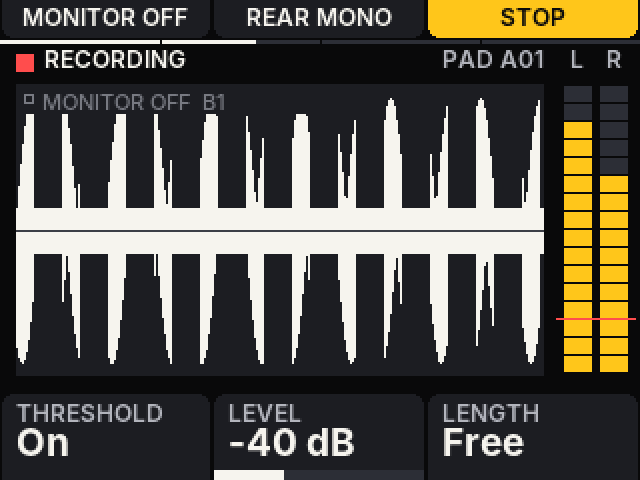
B2 goes through the inputs: Rear L+R, Rear L, Rear R, Rear Mono, USB L+R, USB L, USB R, USB Mono, Resample, Resample Mono and MicA single side is recorded onto both sides of the sample, and the Mono choices mix both sides into one
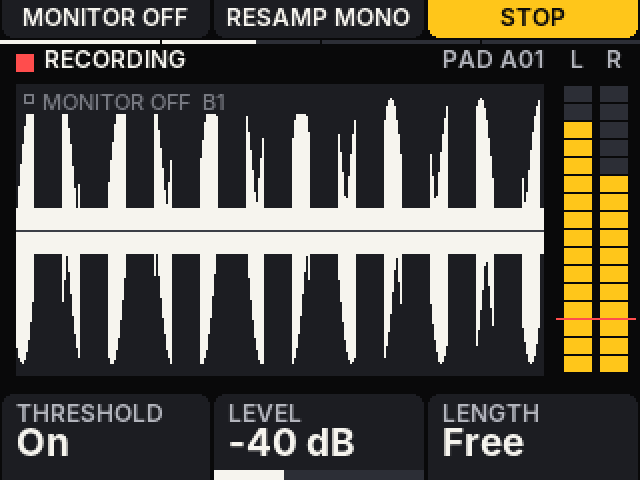
Resample records DFOS's own mixSHIFT and pad 11 open the page already set to itA resample is never monitored, and it begins where its sound does
K1 turns the threshold on or off: with it on, recording starts when the input passes the levelK2 sets that level, −60 to 0 dB, drawn as a line across the meters, and K3 the length: Free, or 1, 2, 4, 8 or 16 barsSHIFT and B2 switch the threshold like K1
B1 goes round Monitor ON, OFF and AUTOON is heard on every page, AUTO only on this page and the LooperIt is off at first, because the built-in microphone next to a speaker feeds back, and choosing the microphone turns it off
SHIFT and B3 open Input FX: three effect slots, in order, on what comes in through an inputThey are heard while monitoring and recorded into the take, but not when the input is Resample; they belong to the unit's settings, not to a project
B3 arms the recording and the page says ARMED: TAP A PADTap the pad the sample should go to and recording starts, or waits for the sound when the threshold is on
While it records the page says RECORDING beside a red square, and B3 reads STOPPress it, or let the set length end the recordingA recording can be up to 60 seconds
While recording from an input, tap other pads to mark where each one starts: each marked pad plays its own stretch, up to 16 marksHold a pad for a third of a second or more and its stretch ends where you let goSlices tapped in by hand are kept as one mute group
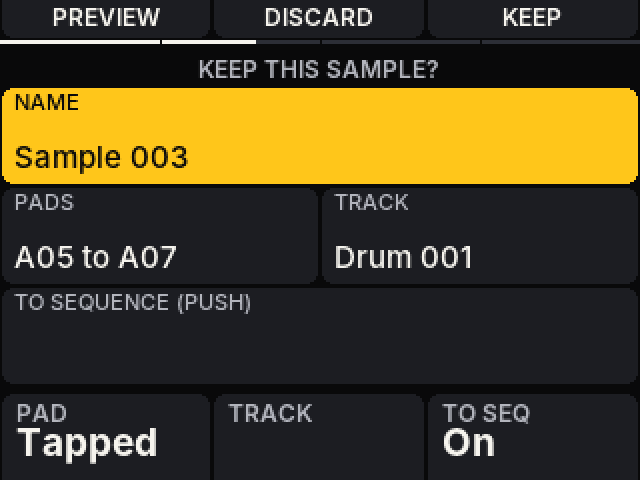
When it stops, Keep Sample opensB1 plays the take, B2 discards it and B3 keeps itK1 or a pad chooses the padK2 the trackK3 whether it also becomes a note in the current sequence
On Keep Sample the encoder chooses a box. PUSH on the name opens the name page, and PUSH on To Sequence turns the note on or off.
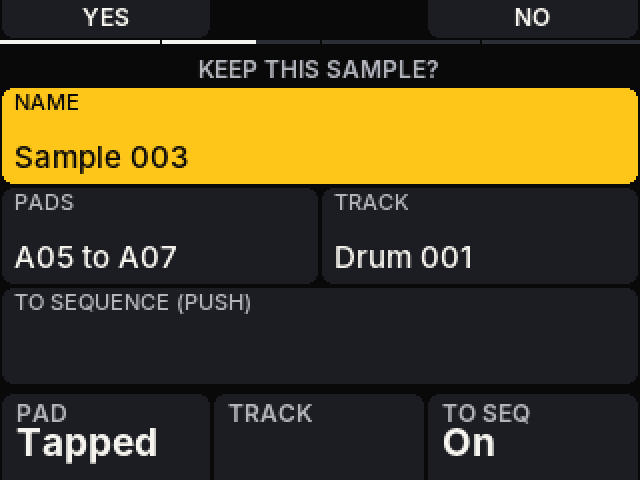
ERASE with a recording waiting asks Erase the recording? B1 is Yes and B3 is No, on Sample Record and on Keep Sample alike.
SHIFT and SAMPLE RECORD, from any page, put the last 25 seconds of input onto a pad. It has its own guide, and it is off until you turn it on in Settings.
SHIFT and B1 play notes out of MIDI one after another and record each onto the next padWith Auto Sampler Layers at 2 to 4 each note is played at that many velocities and Keep gives each pad its takes as velocity layers
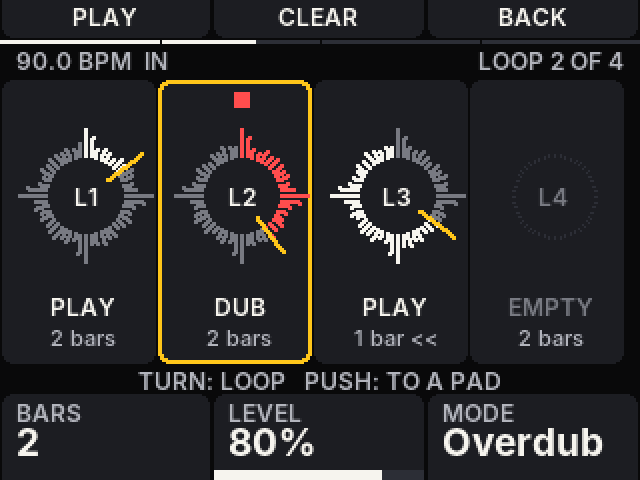
PUSH on Sample Record opens the Looper, with four loops that play side by sideThe encoder chooses a loop, B1 records, overdubs and plays in turn, and PUSH puts the loop on a free pad