Open Pad FX!
PAD FXorSTOP+PAD 14
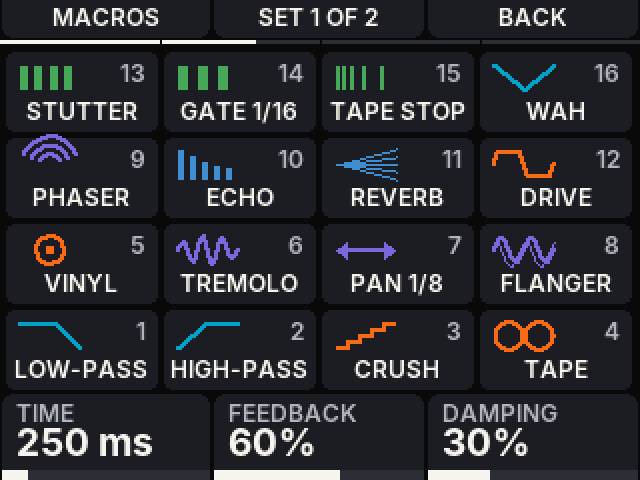
PAD FX opens sixteen effects, laid out like the pads with pad 1 bottom leftEach tile shows its number and namePAD FX again, or B3, goes back, and B1 opens Macros
Quick start
Pad FX puts one ready-made effect at a time on the whole mix, for as long as you hold a pad. Flex Beat does the same with sixteen time effects. The full details are in the manual. All quick start guides
PAD FX opens sixteen effects, laid out like the pads with pad 1 bottom leftEach tile shows its number and namePAD FX again, or B3, goes back, and B1 opens Macros
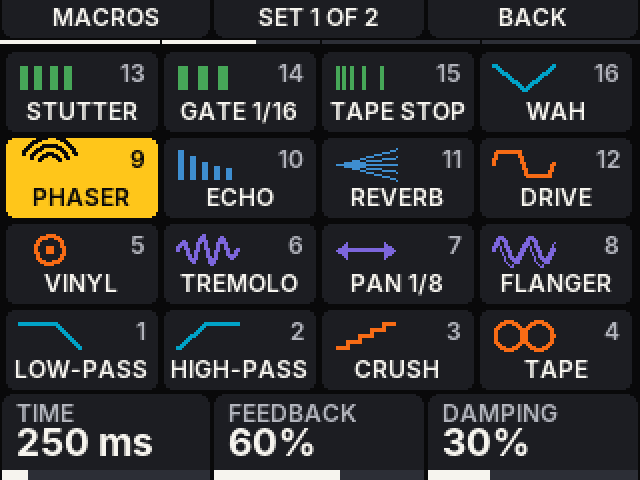
Hold a pad and its effect is on, on the whole mix, and its tile is filledLet go and it endsOne effect sounds at a time, and the project's own values are not changed
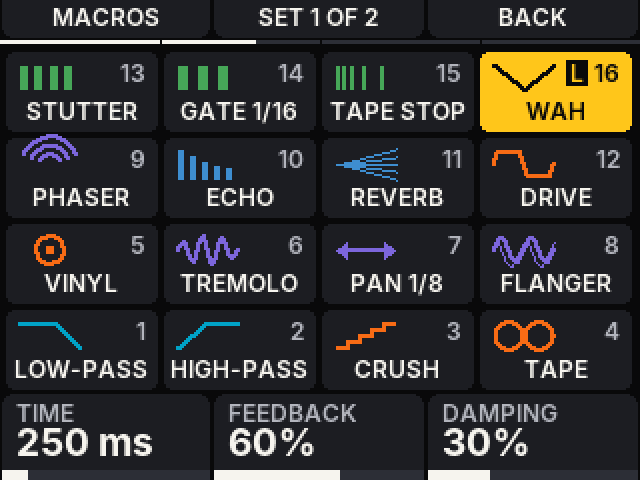
SHIFT and a pad latch the effect: an L stands beside its numberIt comes on at the level the fader last gave it on this page, full unless you turned it downThe same pad again ends it
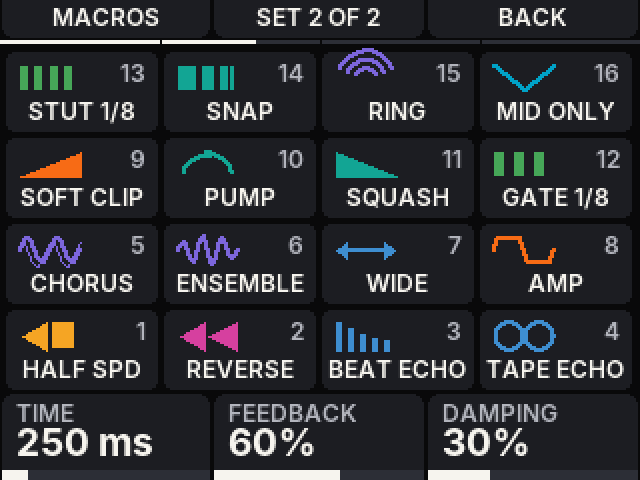
B2 changes between the two sets of sixteenThe top row names the setA held effect ends with its set; a latched one stays on across them
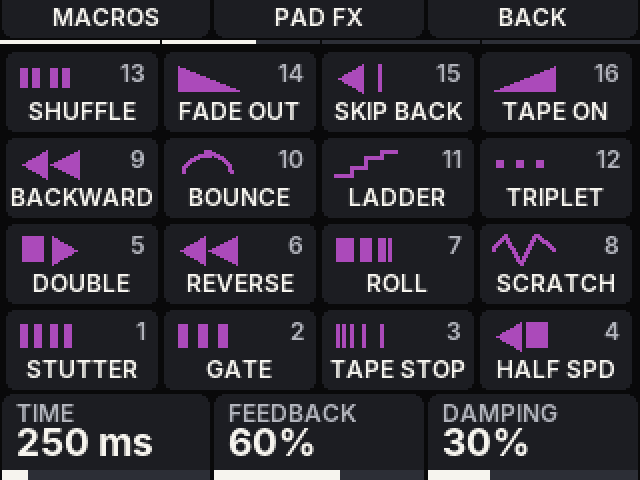
SHIFT and PAD FX open Flex Beat, sixteen time effects on the padsHold a pad to hear one, or SHIFT and a pad to latch it, as in Pad FXB2 here reads PAD FX and goes back to the first set
The names run in pad order, pad 1 to pad 16, with pad 1 at the bottom left. SHIFT and PAD FX again, or B3, goes back.
K1 to K3 shape the effect that is on, or was on lastTheir names follow the effect, and a knob with no job there says soThe shape is kept with the project
On this page the fader is how much of the effect is heard, for the effect that is on or was on last. The box shows the level in percent.
With Settings > Pad FX Pressure on, how hard you press the held pad is how much of its effect you hearIt is off at firstA latched effect keeps its level
With SEQ RECORD and PLAY running, a pad going on and off, the fader and K1 to K3 are written into the sequence and play back with itA new take replaces what it passes on its first time roundUndo takes it back, and exports contain it