Open the Browser!
SAMPLE SELECT
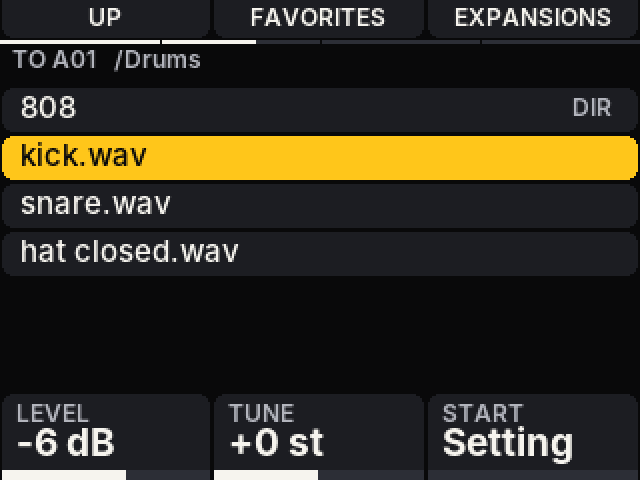
SAMPLE SELECT opens the Browser, the first time at the top of the card and afterwards wherever you left itPress it again to go back to the page you came fromThe top of the page names the pad a file will load onto
Quick start
SAMPLE SELECT opens the Browser: the card's folders and sound files. SHIFT and SAMPLE SELECT open the Sample Pool, the samples the project already holds. The full details are in the manual. All quick start guides
SAMPLE SELECT opens the Browser, the first time at the top of the card and afterwards wherever you left itPress it again to go back to the page you came fromThe top of the page names the pad a file will load onto
The encoder moves through the list, and each file plays a moment after you reach itPUSH loads the file onto the pad shown, and on a folder it goes inWAV, FLAC and MP3 files load
K1 is the preview levelK2 its tuneK3 where the preview startsA file loaded after its preview was tuned or given a start is loaded that way
B1 or − go up one folder, as far as the top of the card+ goes into the folder on the selected row, as PUSH does; on a file it says Not a folderThe encoder alone chooses rows
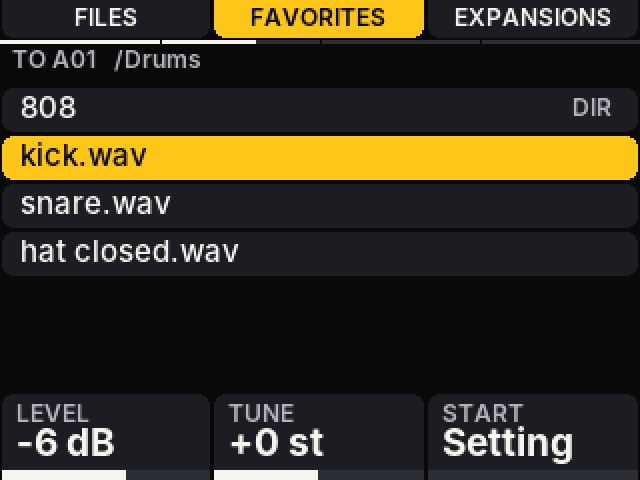
B2 lists every favourite file and folder from anywhere on the card; pressed again, every tagged fileB1 goes back to the foldersSHIFT and PUSH make the selected one a favourite
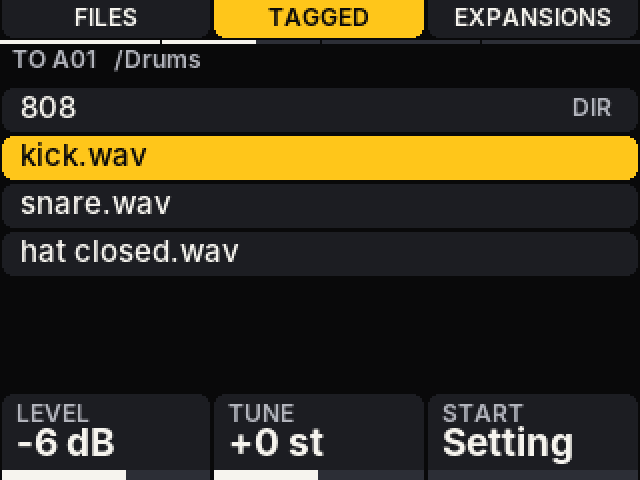
MUTE tags the file and SHIFT and MUTE take the tag offSTOP and MUTE list only the tagged files, then the files with the tag of the one selected, then all again
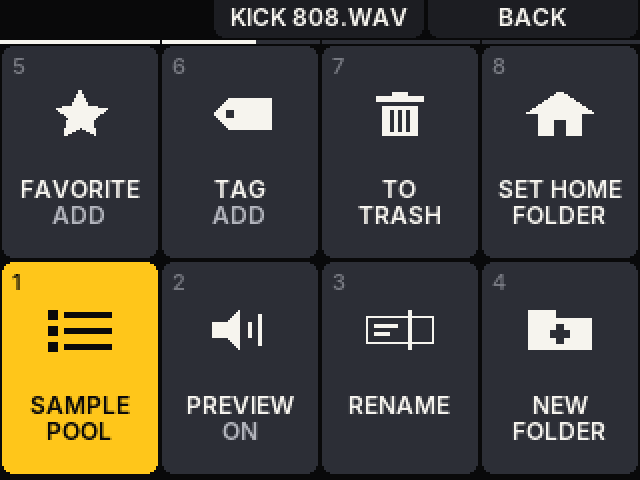
Eight tiles for the file or folder, laid out like pads 1 to 8: 1 Sample Pool, 2 Preview, 3 Rename, 4 New Folder, 5 Favourite, 6 Tag, 7 To Trash, 8 Set Home FolderA pad does its tile's job when it is let go; the encoder chooses, PUSH does and B3 goes back
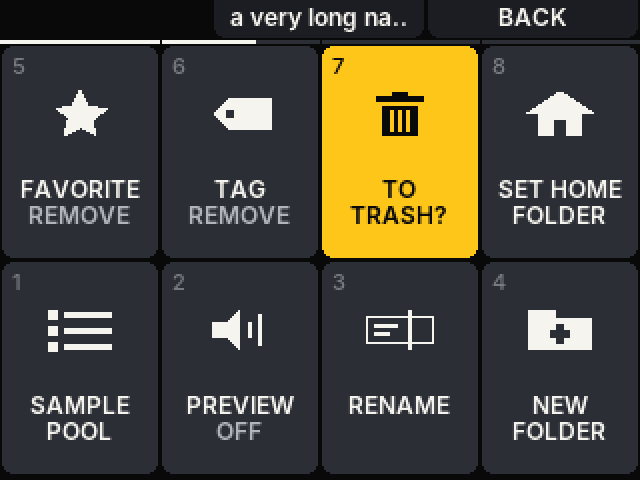
ERASE asks, and ERASE again moves a WAV file or an empty folder to a Trash folder on the cardNothing is deleted for good: SHIFT and ERASE bring the last one backThe To Trash tile asks the same way
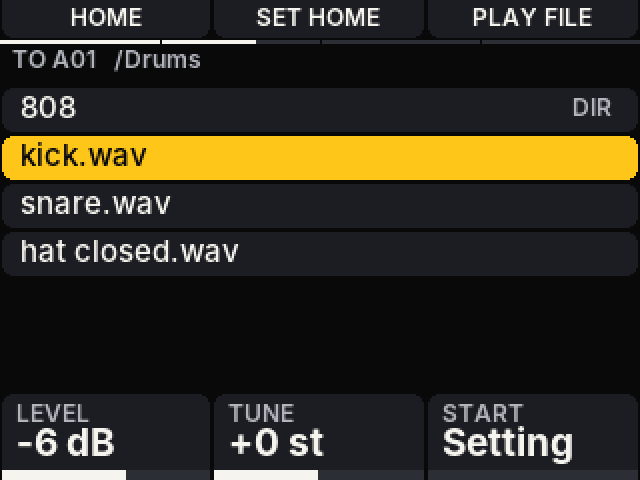
While STOP is held the top row reads Home, Set Home and Play FileSTOP and B1 go Home, STOP and B2 make this folder Home, and STOP and B3 play the selected file
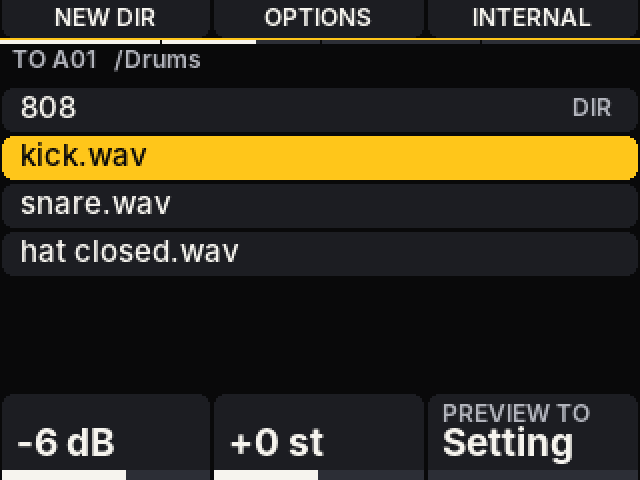
SHIFT and B1 make a new folderSHIFT and B3 switch between the card and the unit's internal storage, each remembering its folder; internal storage is for looking and loading only
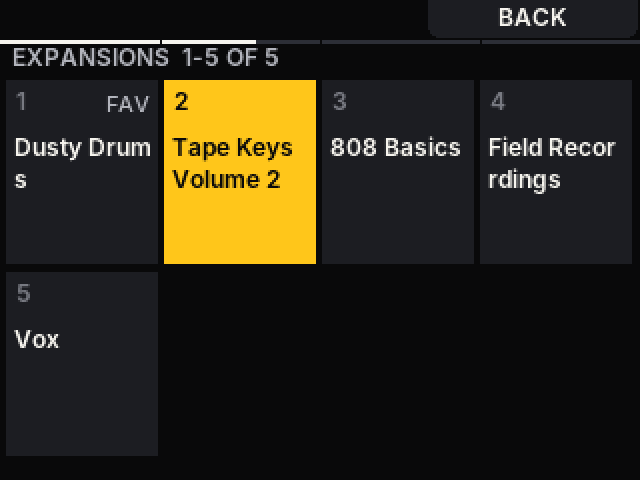
B3 opens Expansions: the packs as tiles, eight to a page like pads 1 to 8The encoder chooses, − and + turn the page, and a pad or PUSH opens the pack in the Browser
A kit file shows as a KIT row, and PUSH loads it onto the current track; kits are new and not finished yetA stock project file shows as a PROJECT row: PUSH opens it at once as a new project, and asks nothing
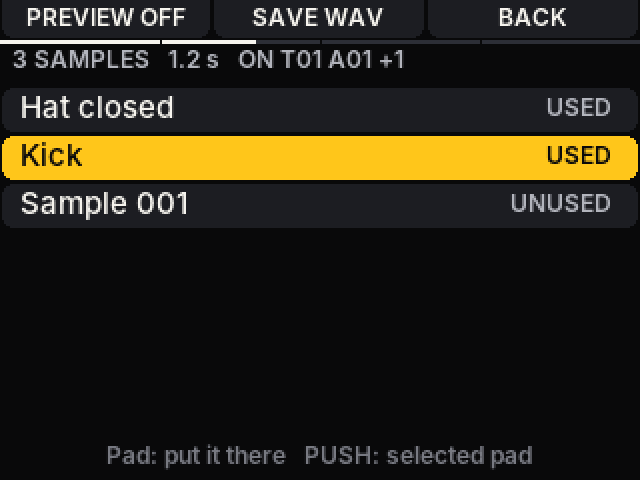
The pool lists the samples the project holds, how long the marked one is and where it playsIn the Browser the Sample Pool is also tile 1 of the optionsB3 goes back
A pad puts the marked sample on that pad and plays it, PUSH puts it on the selected pad, and SHIFT and PUSH add it as a layerB1 turns Preview on or off, whether going through the list plays the samples
B2 saves the marked sample as a WAV, choosing folder and nameSHIFT and B2 save the selected pad's play regionSHIFT and B1 open Expansions from here
ERASE, twice, removes a sample no pad usesSHIFT and B3 remove every sample no pad uses, after a questionSTOP and B1 choose whether the marked sample plays from the card a part at a time or is kept whole in memory