The idea!
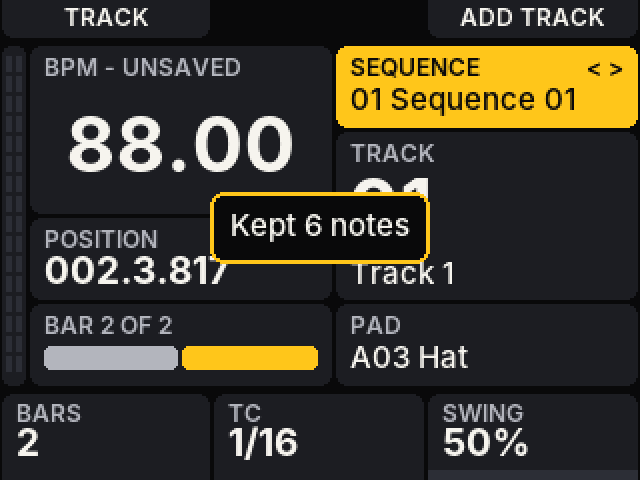
One track, notes on several pads. Explode Track moves each pad that has notes onto a track of its own, with its sound and its notes.
Quick start
Explode Track gives each pad its own track, so every pad can be mixed, processed or exported apart. It is tested on a computer only. The full details are in the manual. All quick start guides
One track, notes on several pads. Explode Track moves each pad that has notes onto a track of its own, with its sound and its notes.
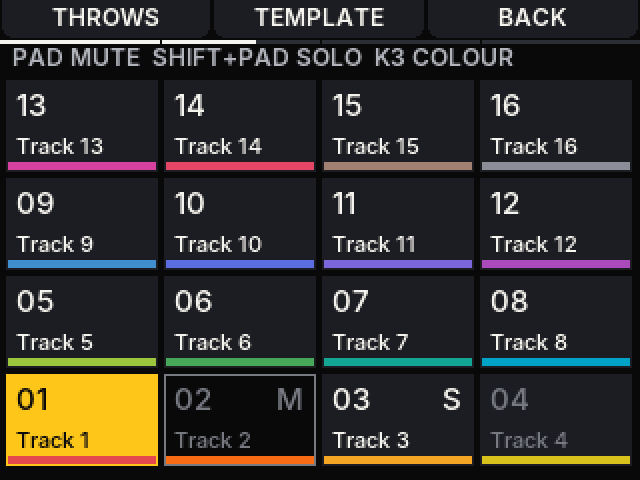
Hold SAMPLE for a moment: the sixteen tracks show. Press the pad of the track you want to split.
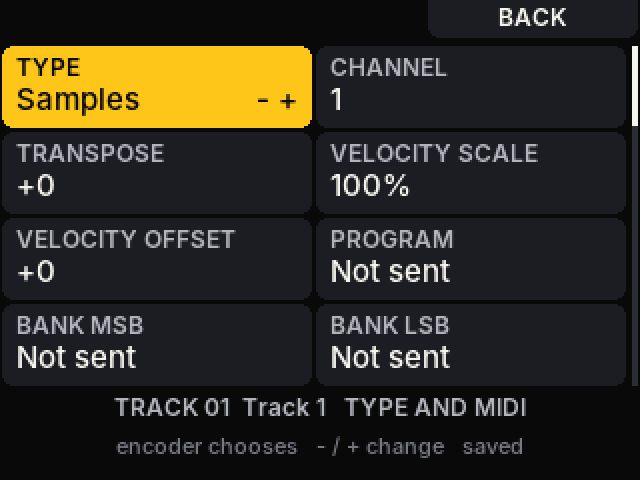
Press STOP and pad 12. This is the Track page, with the rows and jobs of the selected track.
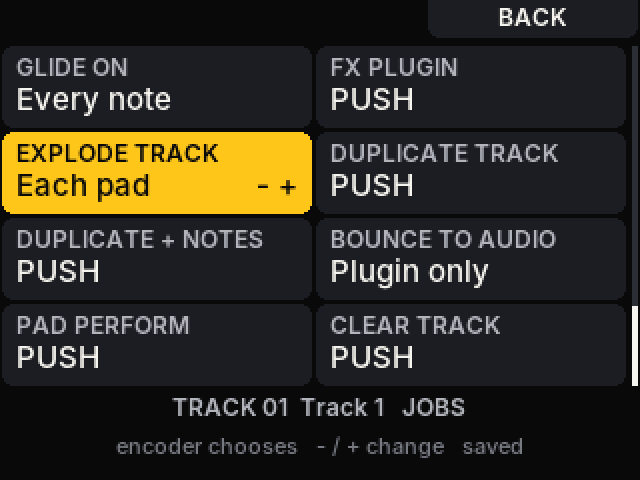
Press B2 until the Jobs groupExplode Track is its first rowThe encoder chooses a row
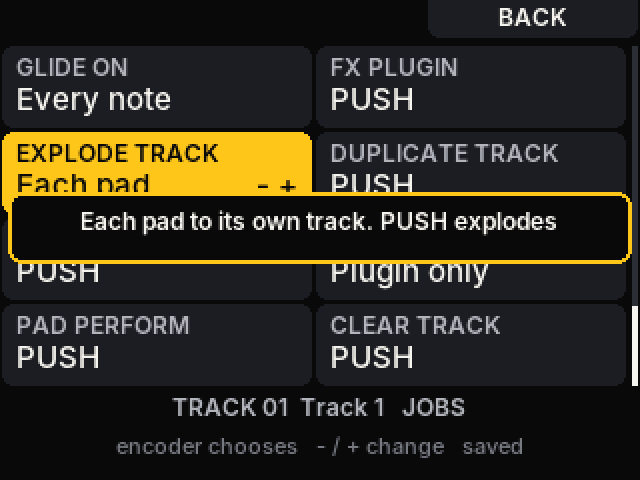
− and + choose how. Each pad to its own track: every pad that has notes gets a new track.
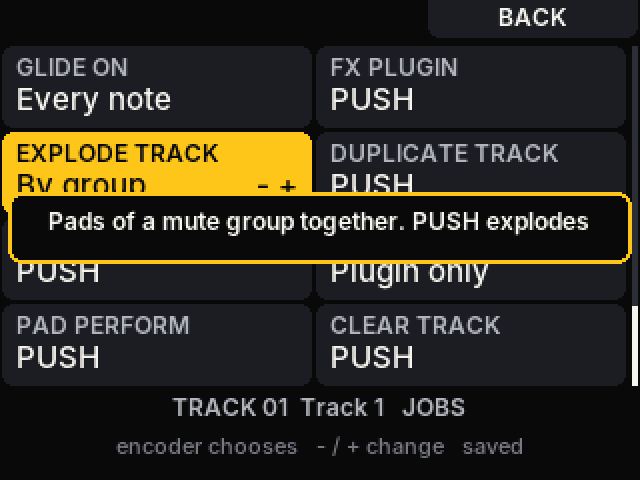
Pads of a mute group together: the pads of one mute group share a new track, so they still cut each other.
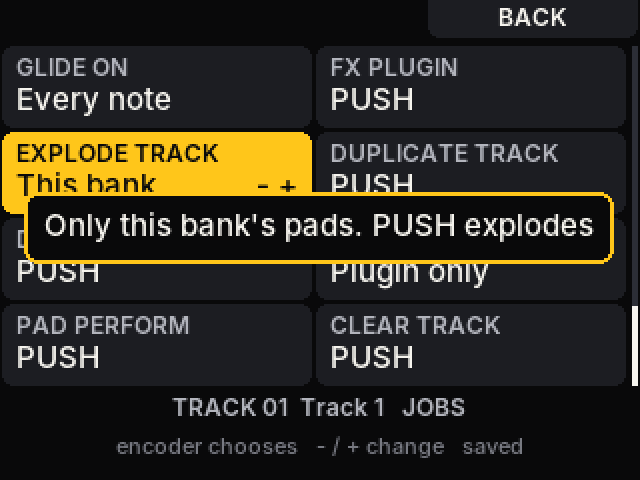
Only this bank's pads: just the pads of the bank that is up (A to H) are split. The rest stay where they are.
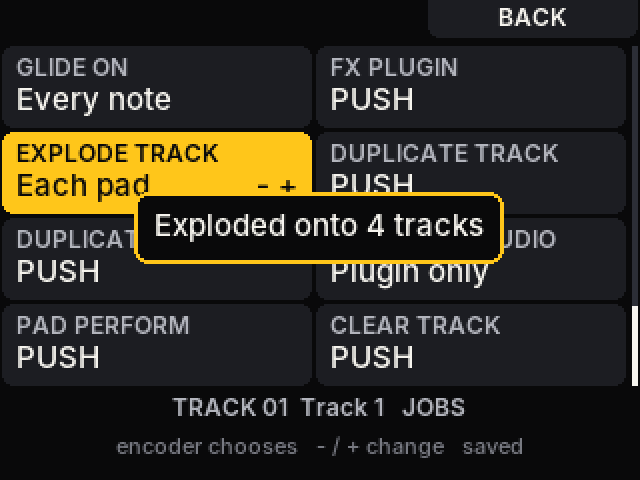
Press PUSH. Each pad that has notes in this sequence moves, with its sound and its notes, onto a new track, on the same pad number.
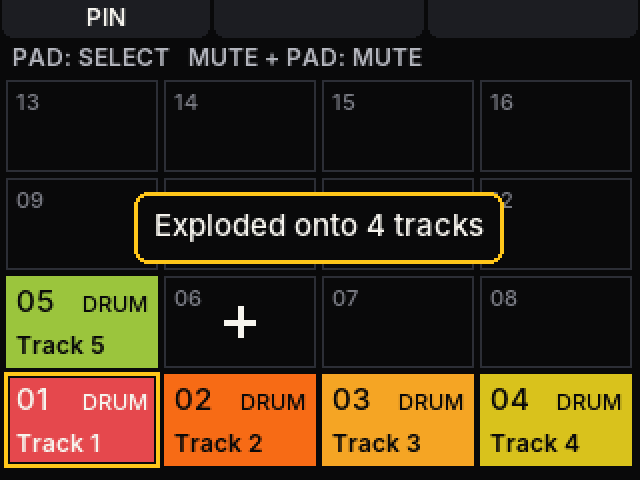
Hold SAMPLE again: the new tracks are on the overview. Here four pads became four new tracks, 2 to 5.
It needs enough empty tracks, and at least two pads (or groups) with notes. The screen says how many are needed and how many are free.
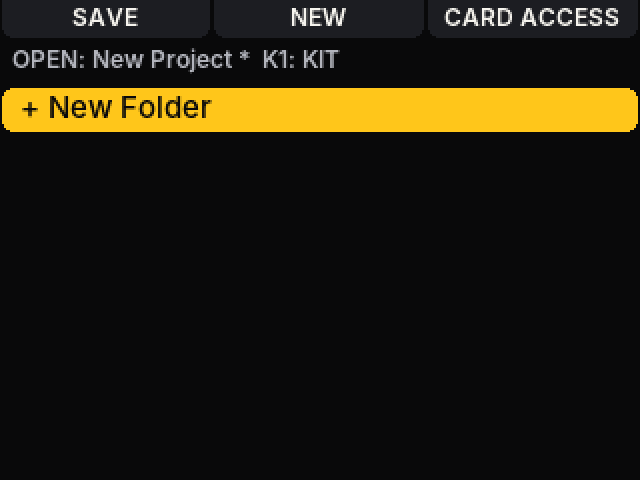
SHIFT and pad 16 open the Projects page.
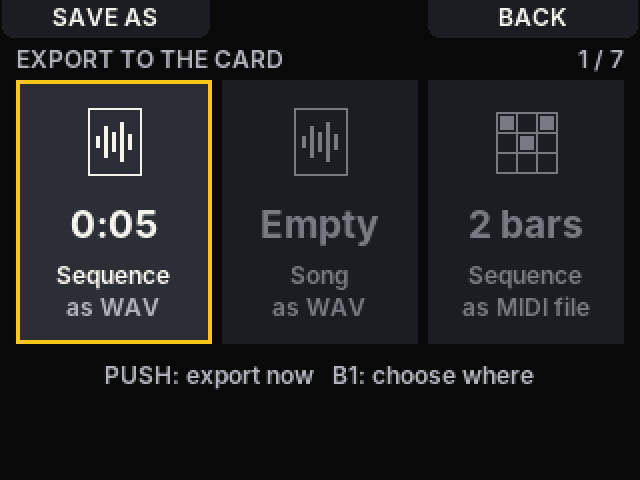
SHIFT and B2 open the Export page: a row of choices, what to write to the card.
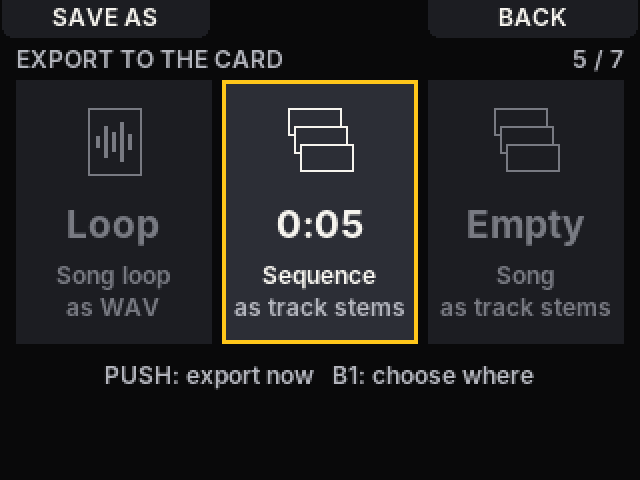
Turn the encoder to Sequence as track stems. Each track becomes its own file.
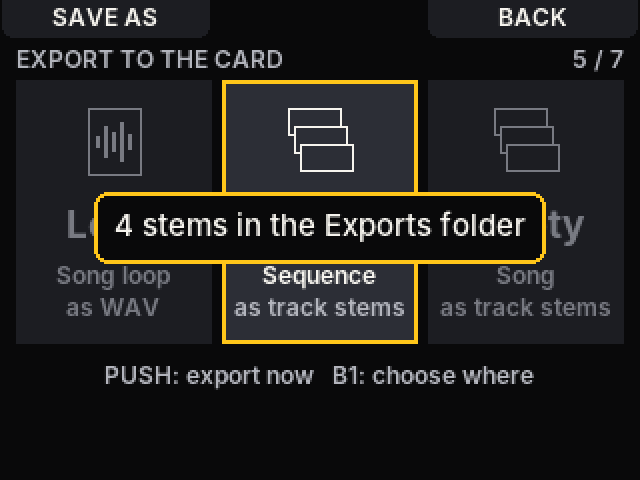
Press PUSH. It exports at once, and the screen says how many stems went to the Exports folder.
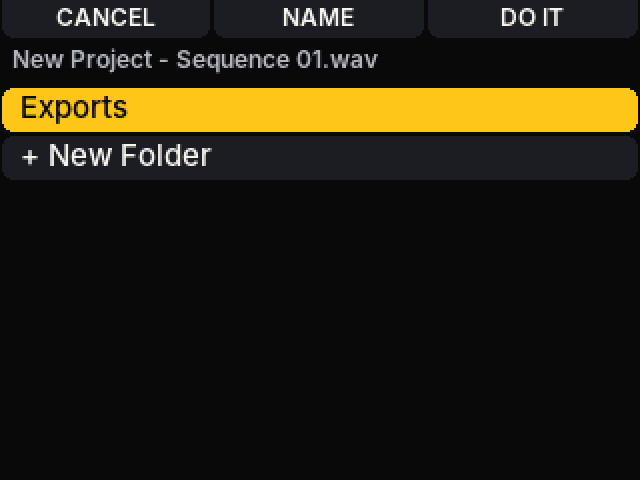
B1 opens a Save page instead, where you choose or make a folder inside Exports and name the files.
The files go in the Exports folder on the SD card, named with the project, the track number and the track name.
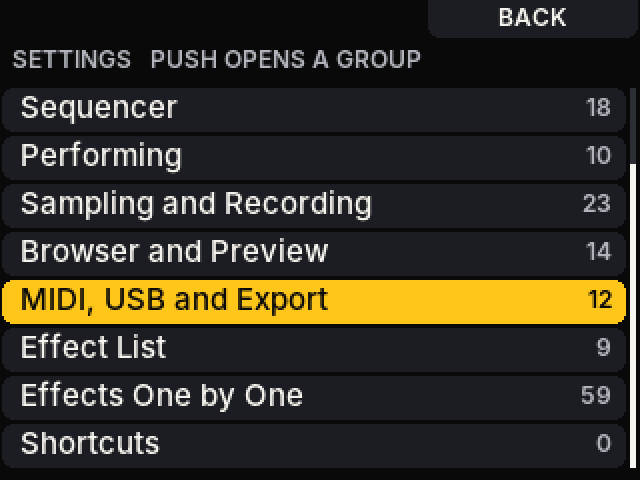
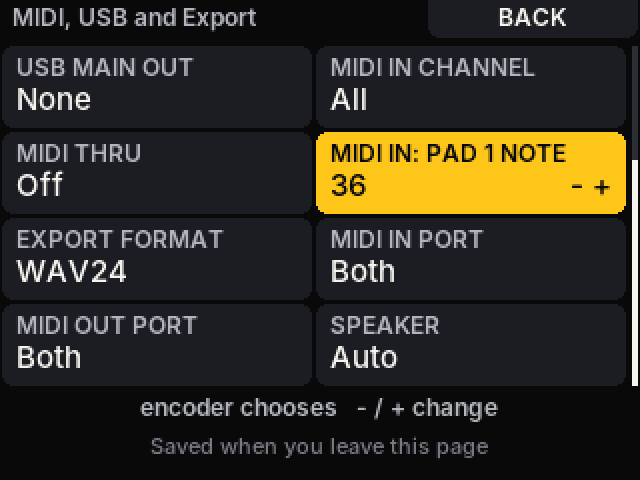
STOP and pad 7 open SettingsIn MIDI, USB and Export, the Export Format row chooses WAV 16, 24 or 32-bit float, or AIFF 16 or 24WAV 24-bit is the setting as first installed
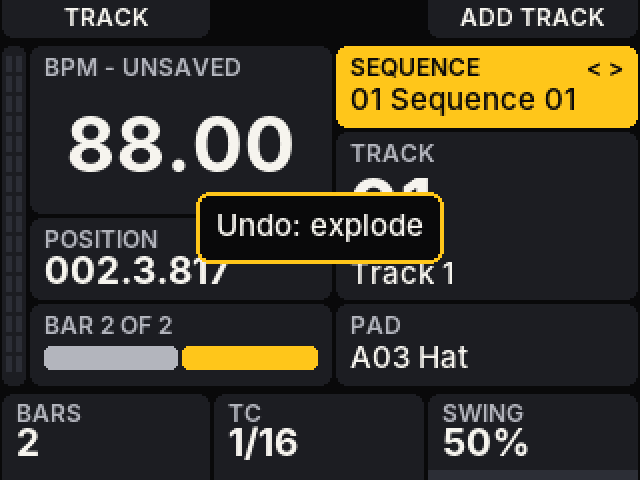
SHIFT and − take it back. Each moved pad is its own undo step, so press it once for each pad.