Open Chop!
CHOP
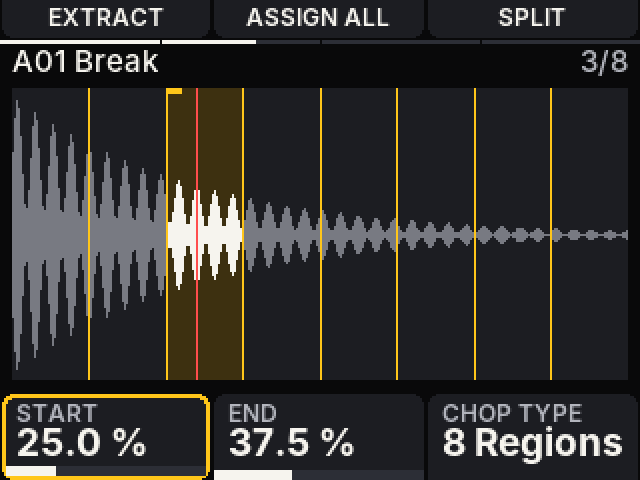
CHOP opens the Chop page for the selected pad's sample; CHOP again goes back to the sample. A sample that was never cut starts as 16 equal slices.
Quick start
CHOP opens the selected pad's sample with markers on it. The slices between them play on the pads and can go to pads, the pool or a track. The full details are in the manual. All quick start guides
CHOP opens the Chop page for the selected pad's sample; CHOP again goes back to the sample. A sample that was never cut starts as 16 equal slices.
K3 is the chop type, left to right: Manual, Threshold, or 4, 8, 16 or 32 equal regionsK1 and K2 are the start and end of the selected slice, each between its neighboursThe first slice's start can be moved anywhere from the sample's start up to its end; what lies before it is in no slice
− and + choose the slice before or afterA pad that has a slice plays it and selects it: the pads are the slices, 128 at most over banks A to HThe encoder fine-tunes the start or end, whichever of K1 and K2 was turned last
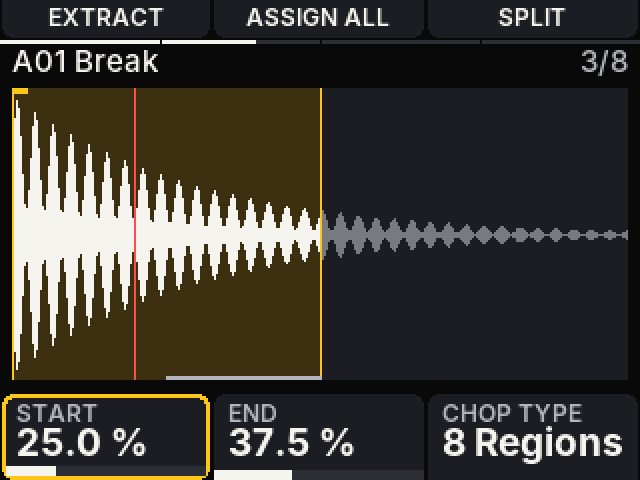
STOP and the encoder zoom the waveform round the selected slice's start, up to x32. SHIFT and K1 or K2 zoom round its start or its end.
Choose Manual and the sample is whole againPlay a pad, then hit any empty pad to cut where the sound is at that momentA pad that has a slice plays it and never cuts, and with nothing playing an empty pad says to play a pad first
Threshold cuts where the sound rises above a levelSHIFT and K3 set the level, and turning it makes Threshold the type; so does SHIFT and the encoderSettings > Threshold Max Slices (16, 32, 64 or 128) is the most slices it makes
B3 splits the selected sliceERASE, pressed and let go alone, joins it to the slice beforeERASE held with a pad erases that pad's slice
With Chop At Zero Crossing on (as first installed), every slice edge lands on a zero crossing, the first slice's start and edges you move by hand included: a knob goes to the nearest crossing and the encoder to the nextSHIFT puts Zoom Start in focus first
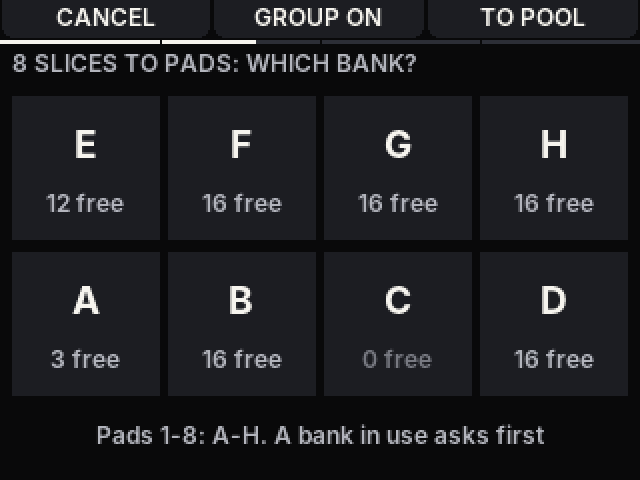
B2 is Assign All: pads 1 to 8 choose bank A to H, each showing how many pads are freeAn empty stretch takes the slices at onceIn the chooser B2 is Mute Group (on, off, or 1 to 16)By default the slices are monophonic and share one mute group, so each cuts the others offOne undo
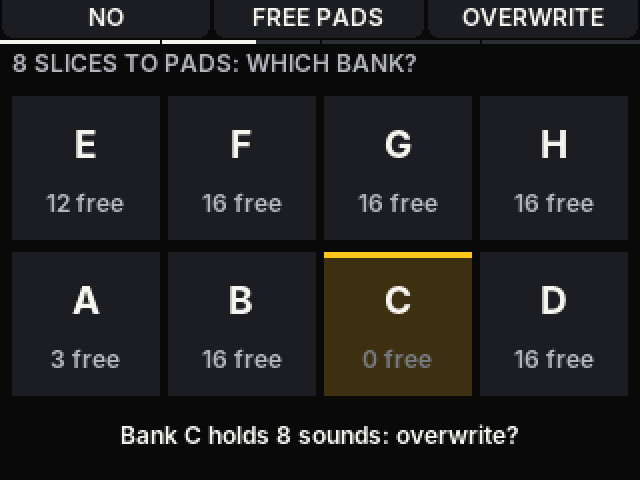
Where the bank already holds sounds it asksB1 No goes back to the banks, B2 Free Pads uses the empty pads and goes on into the next bank, and B3 Overwrite takes the bank's pads in order
B1 puts the selected slice on the next empty pad of the track after the one being cut.
In the bank chooser, B3 is To Pool; B2 Assign All pressed again right after it is Slices WAVTo Pool makes the selected slice a sample of its own in the pool, and Slices WAV saves every slice as its own WAV file
PUSH puts the slices on an empty track. With SHIFT it also adds notes that play them in order.
STOP and PUSH, pressed twice, put the slices as regions on an empty track, which becomes an audio track. One undo.
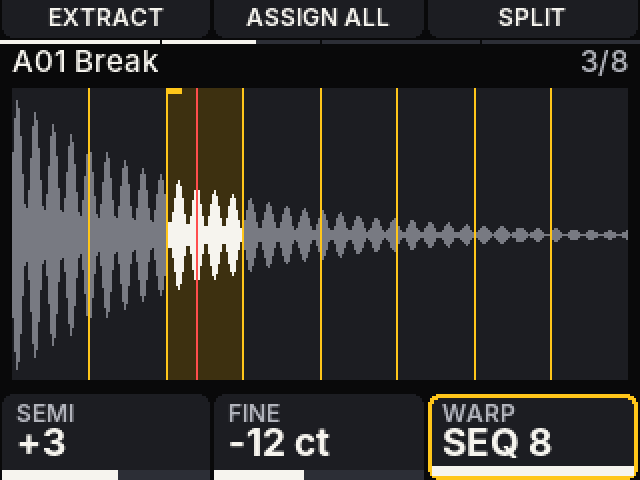
B2 is Tune: K1 semitones, K2 fine tune and K3 warp, which is Off, 50 to 200 % of the speed with the pitch kept, or following the sequence's tempoB2 again is Play: mode, voices and mute group
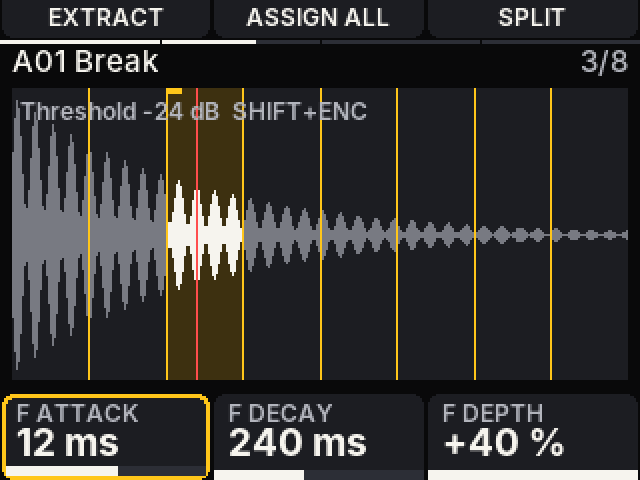
B3 is Filter: K1 cutoff, K2 resonance and K3 the filter typeB3 again is the filter envelope: attack, decay and depthThe fader is the level of the sample being cut, and with Filter open it is the cutoff