Press or hold!
SEQ›MAIN
SEQ
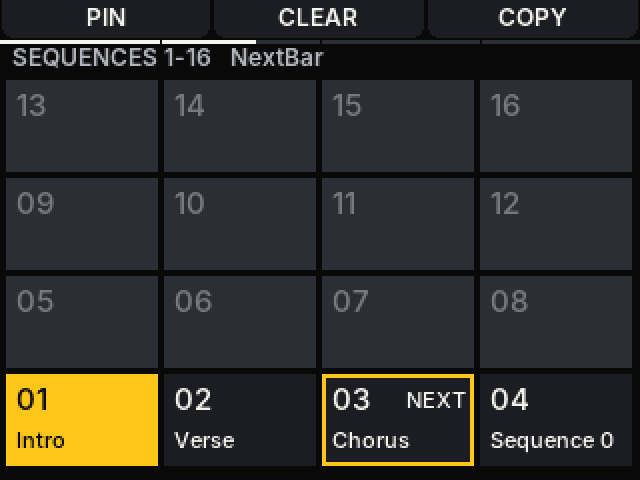
A quick press of SEQ opens the Main screenHold it for a moment and the Next Sequence page shows, with the pads as the sequencesSEQ and a pad, pressed at once, select that track instead
Quick start
A quick press of SEQ opens the Main screen. Hold it for a moment and the pads become the sequences. The full details are in the manual. All quick start guides
A quick press of SEQ opens the Main screenHold it for a moment and the Next Sequence page shows, with the pads as the sequencesSEQ and a pad, pressed at once, select that track instead
Press a pad and its sequence plays nextThe playing one is filled and the one waiting is framed− and + show the next sixteenWhen it takes over is Settings > Sequence Change
B1 pins the page so that it stays when you let go of SEQPinned, B1 closes itB2 clears what waits to play next
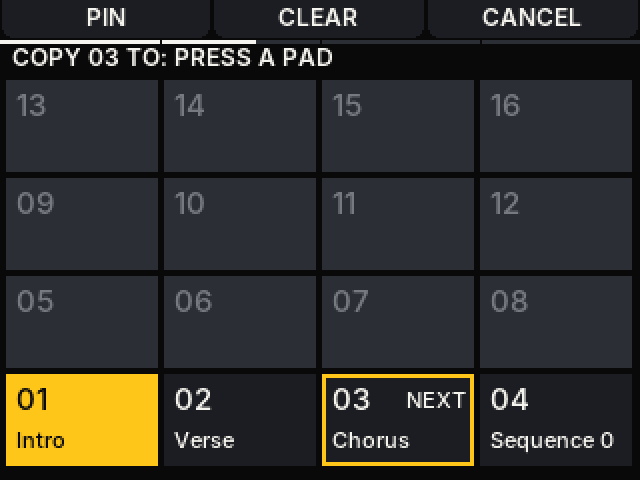
B3 copies the playing sequence, whole, onto the next pad you pressA pad in use asks first: B1 yes, B3 noB3 again ends itSHIFT and − take a copy back
ERASE and a pad, pressed twice, clear that sequence's notes.
SHIFT and a pad add that sequence to the song as a step.
SHIFT and B1 start Capture: from then on each sequence that plays becomes a step of the current song, and each further pass a repeatPress it again to end it
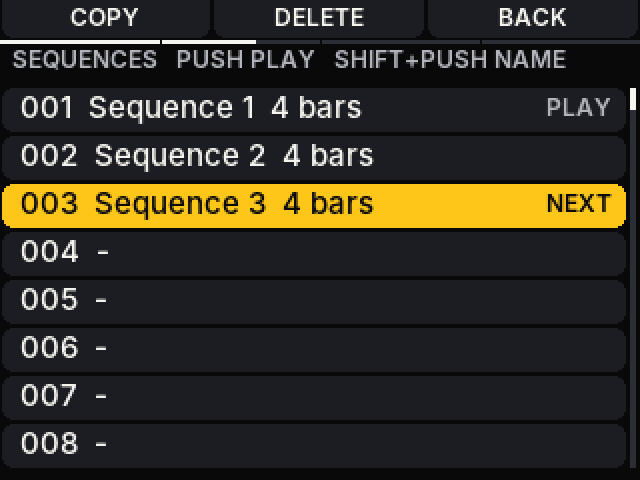
PUSH opens the Sequence List: number, name and bars of every sequencePUSH plays or queues the marked one, SHIFT and PUSH rename it, B1 copies it to the next empty sequence and B2 deletes it, after asking once
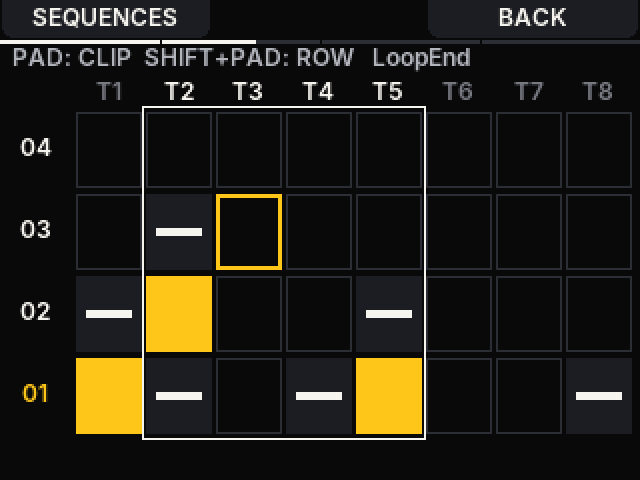
SHIFT and B2 open the Clip MatrixA pad makes one track play its part from another sequence, and SHIFT and a pad do that for a whole rowThe encoder moves the four tracks the pads reach